Room examples
Dining Room Virtual Staging Before and After Examples
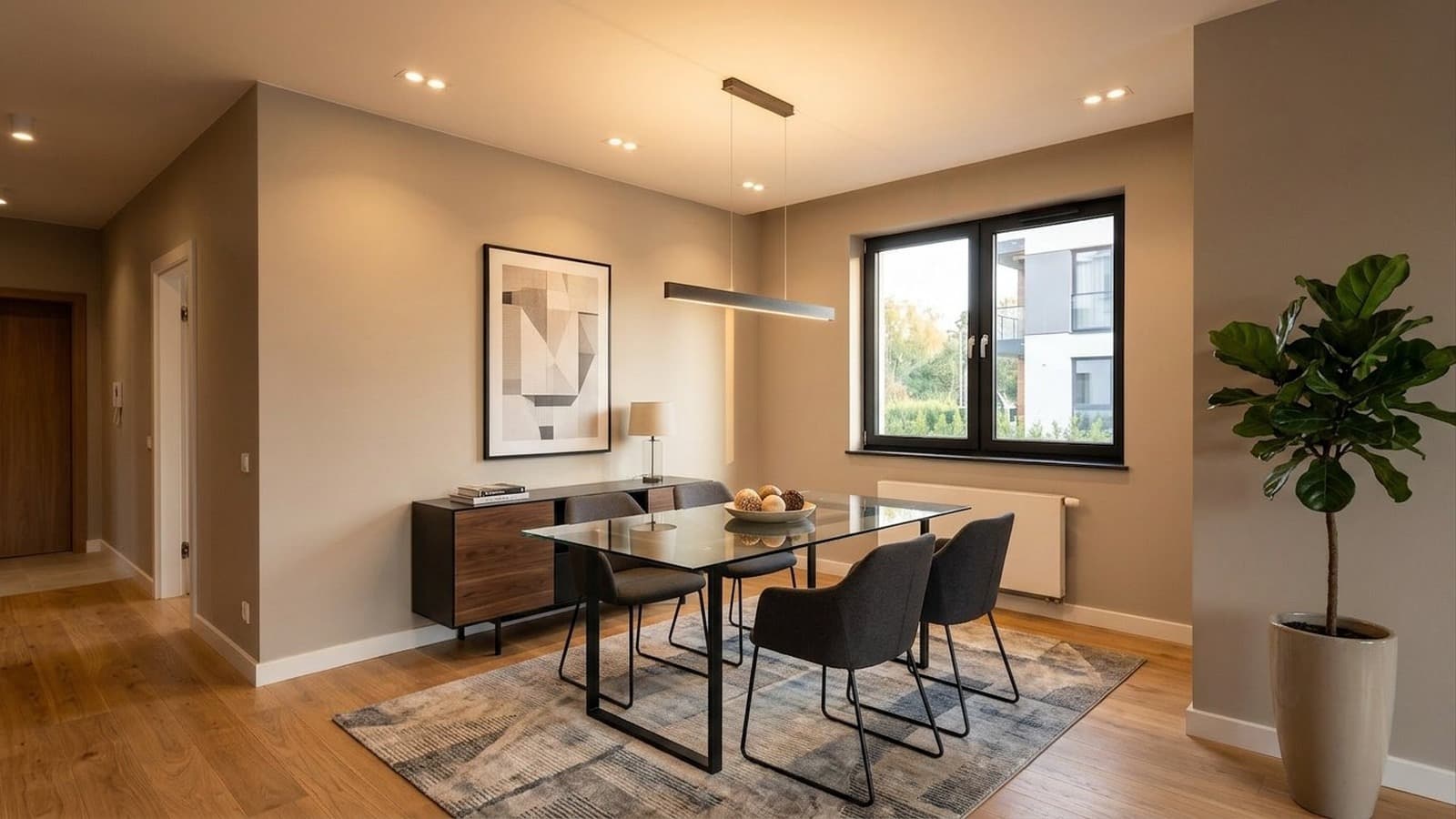
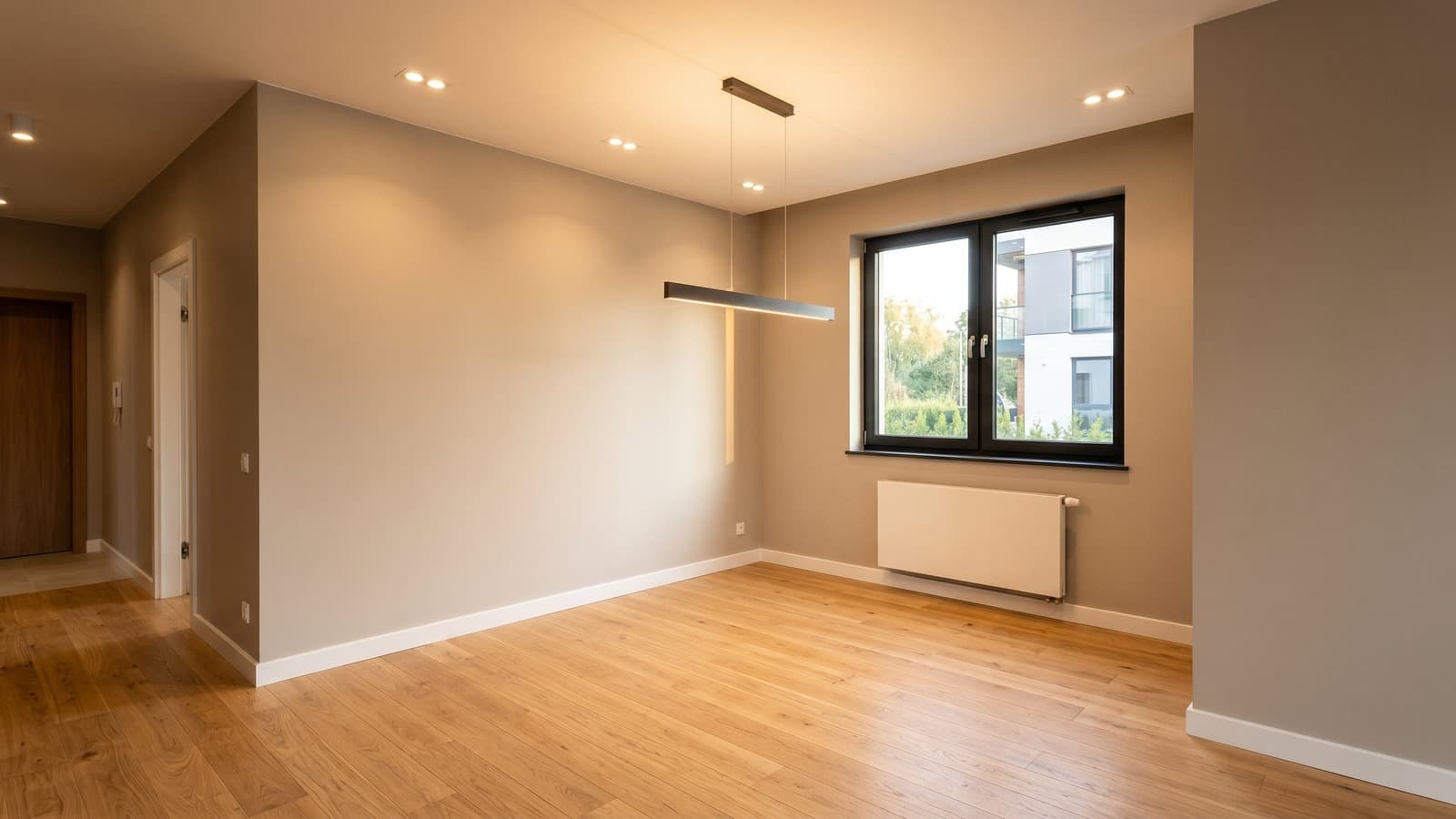
Dining spaces are easy to overlook in an empty listing, since buyers often struggle to picture how the area gets used. Virtual staging can show how a table, chairs, and lighting define the space and establish scale while preserving the room's original layout and features.
 BeforeAfterDrag to compare
Dining Room Virtual Staging Before and After Examples
Dining spaces are easy to overlook in an empty listing, since buyers often struggle to picture how the area gets used. Virtual staging can show how a table, chairs, and lighting define the space and establish scale while preserving the room's original layout and features.
- Table and seating establish the room's intended use
- Proportions and clearances reflect the space's real dimensions
- Flooring, windows, and architectural details remain untouched and visible
Style gallery
Dining room virtual staging style ideas
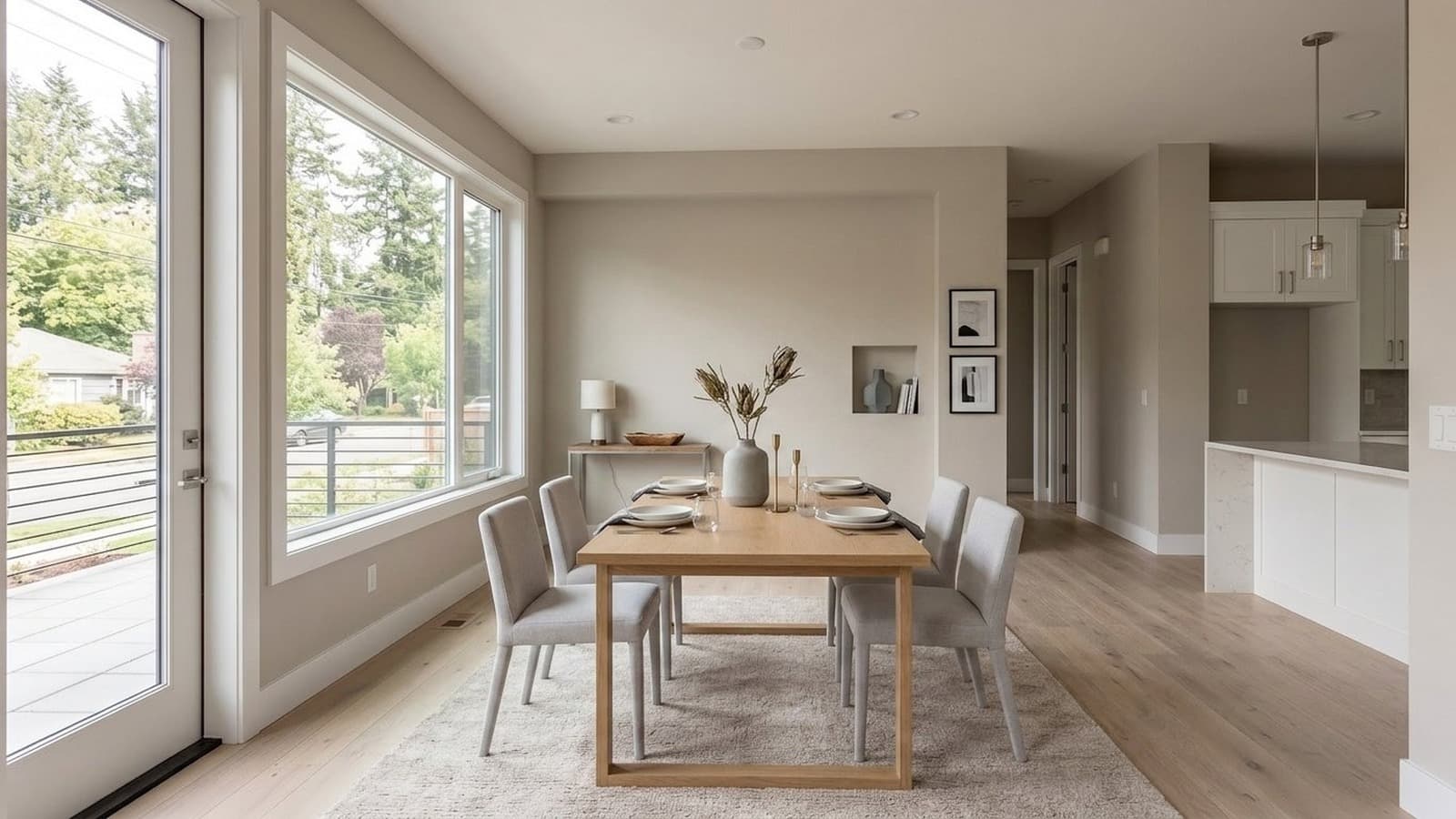
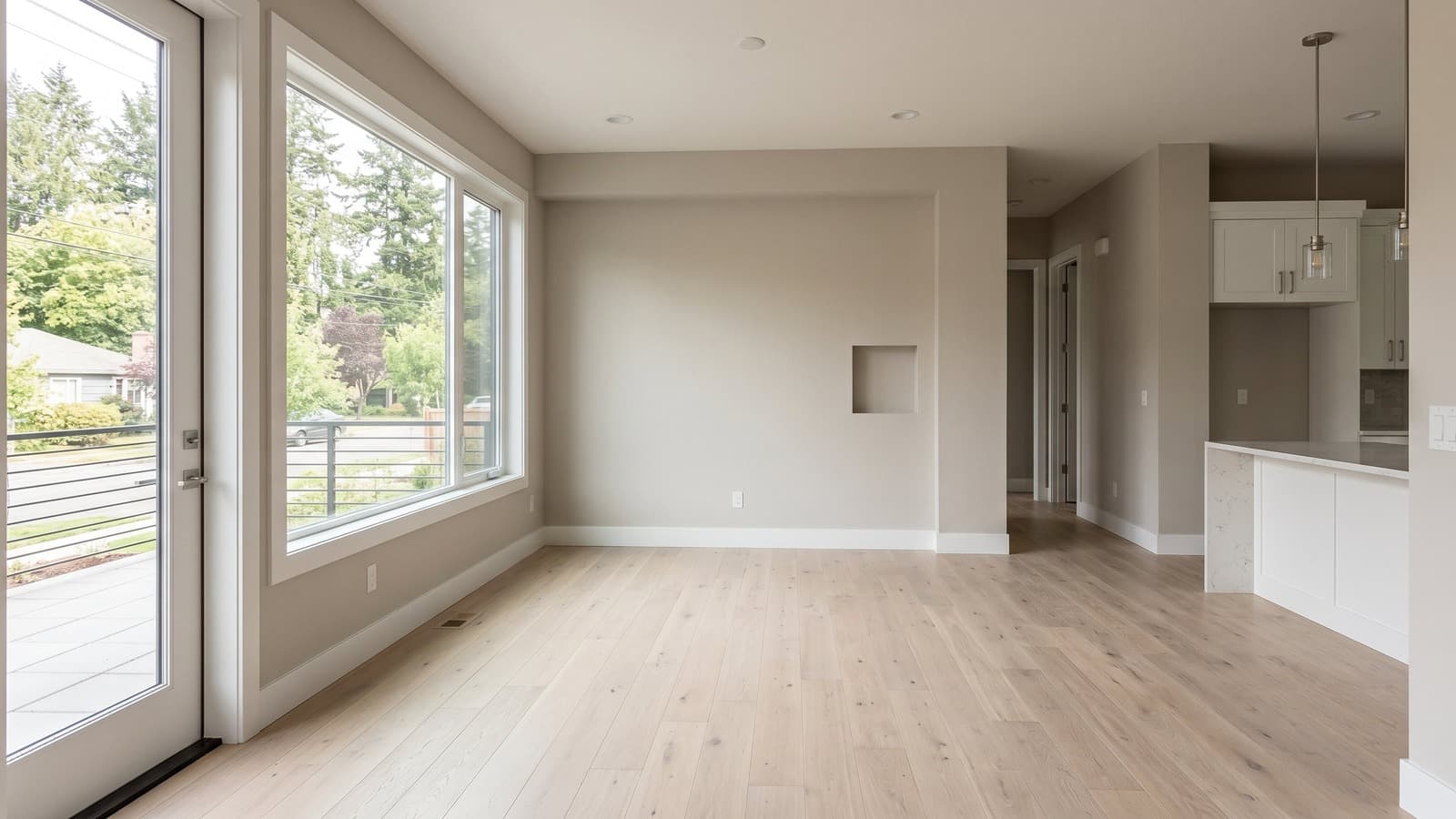
Each style uses a different Dining room photo, so you can compare the look across a wider range of listing situations.
 BeforeAfterDrag to compare
Modern
Modern dining rooms are styled with a clean table shape, simple chairs, and minimal surface styling so the dining function reads clearly in an empty space.
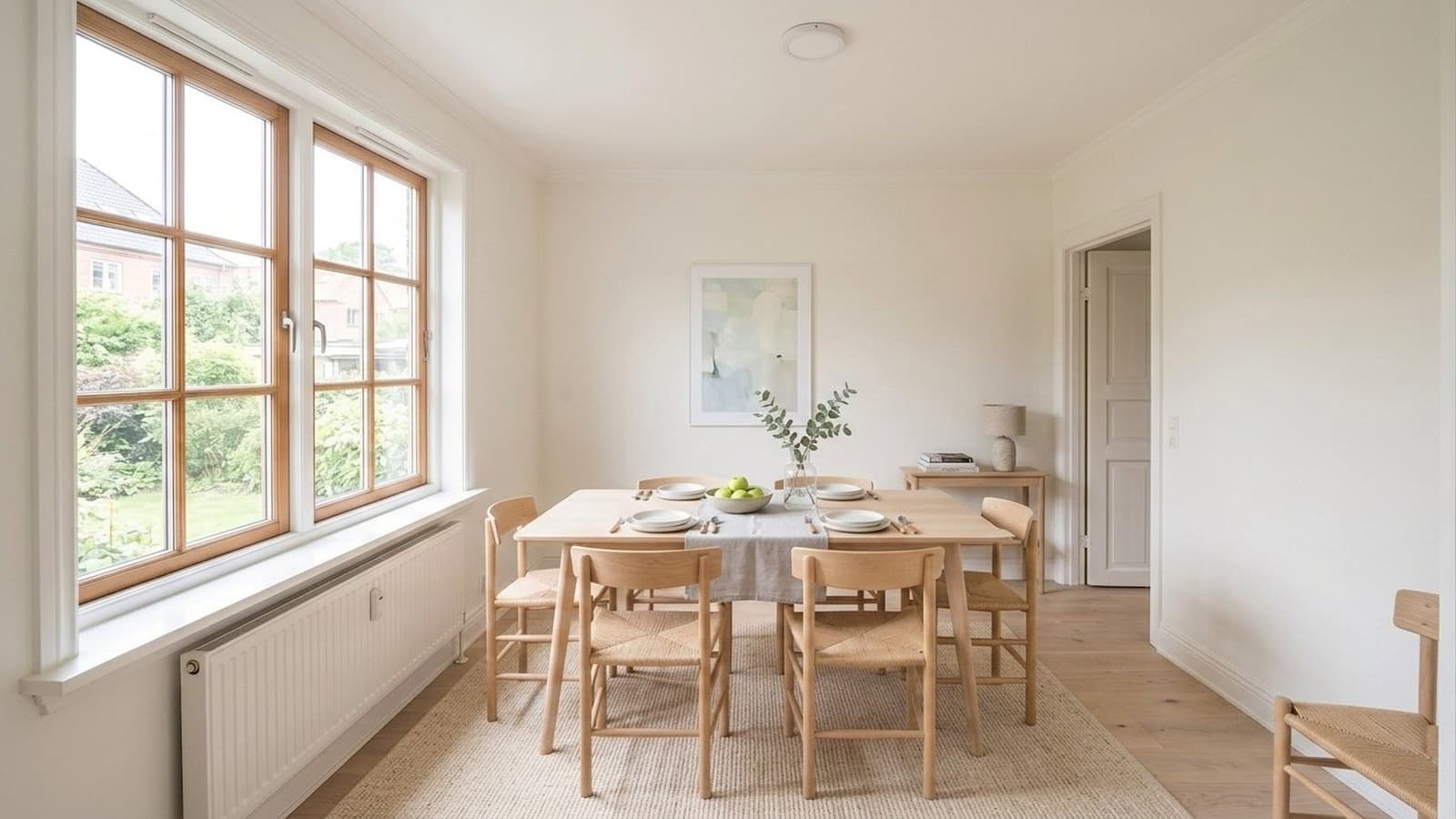
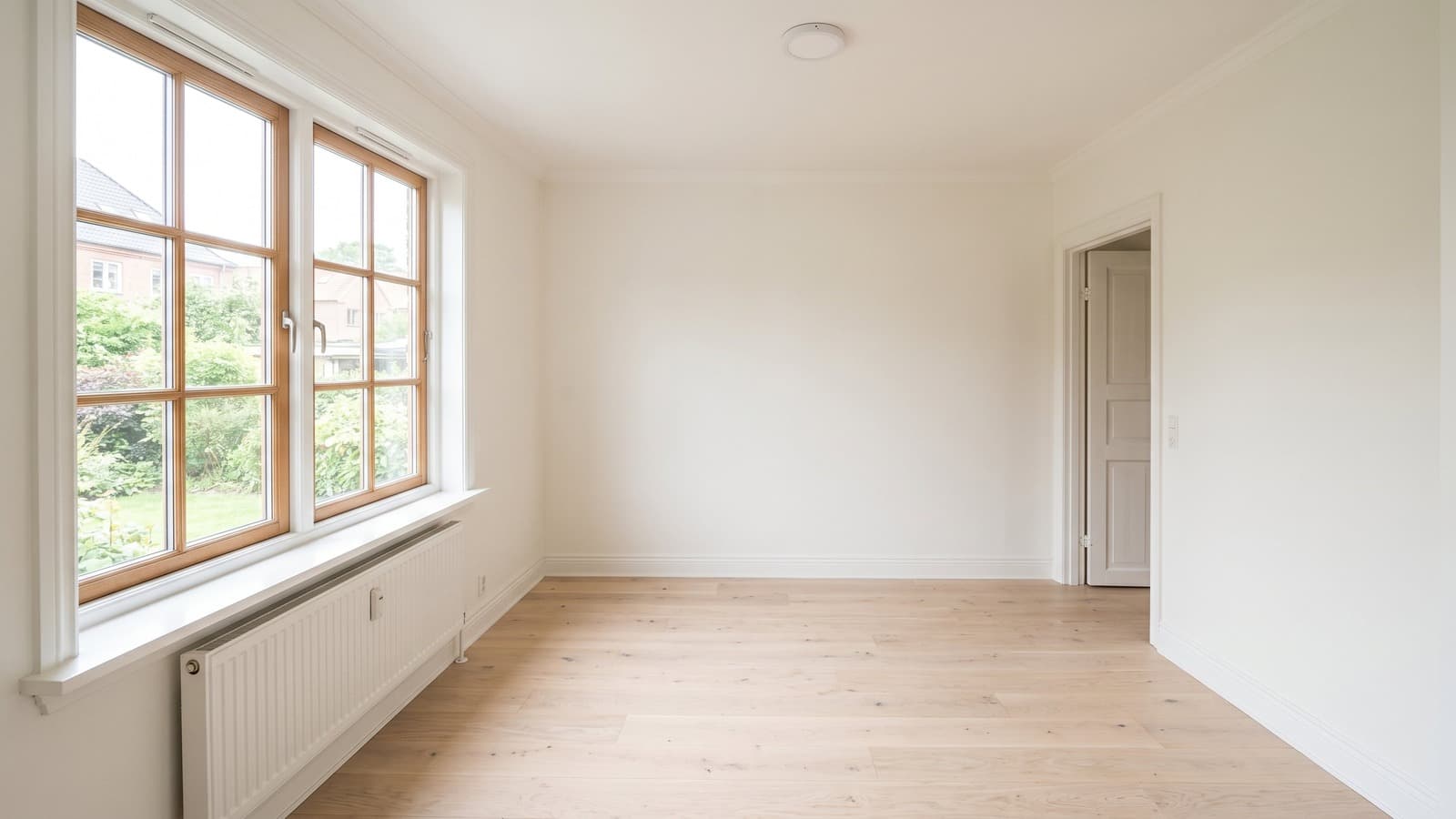 BeforeAfterDrag to compare
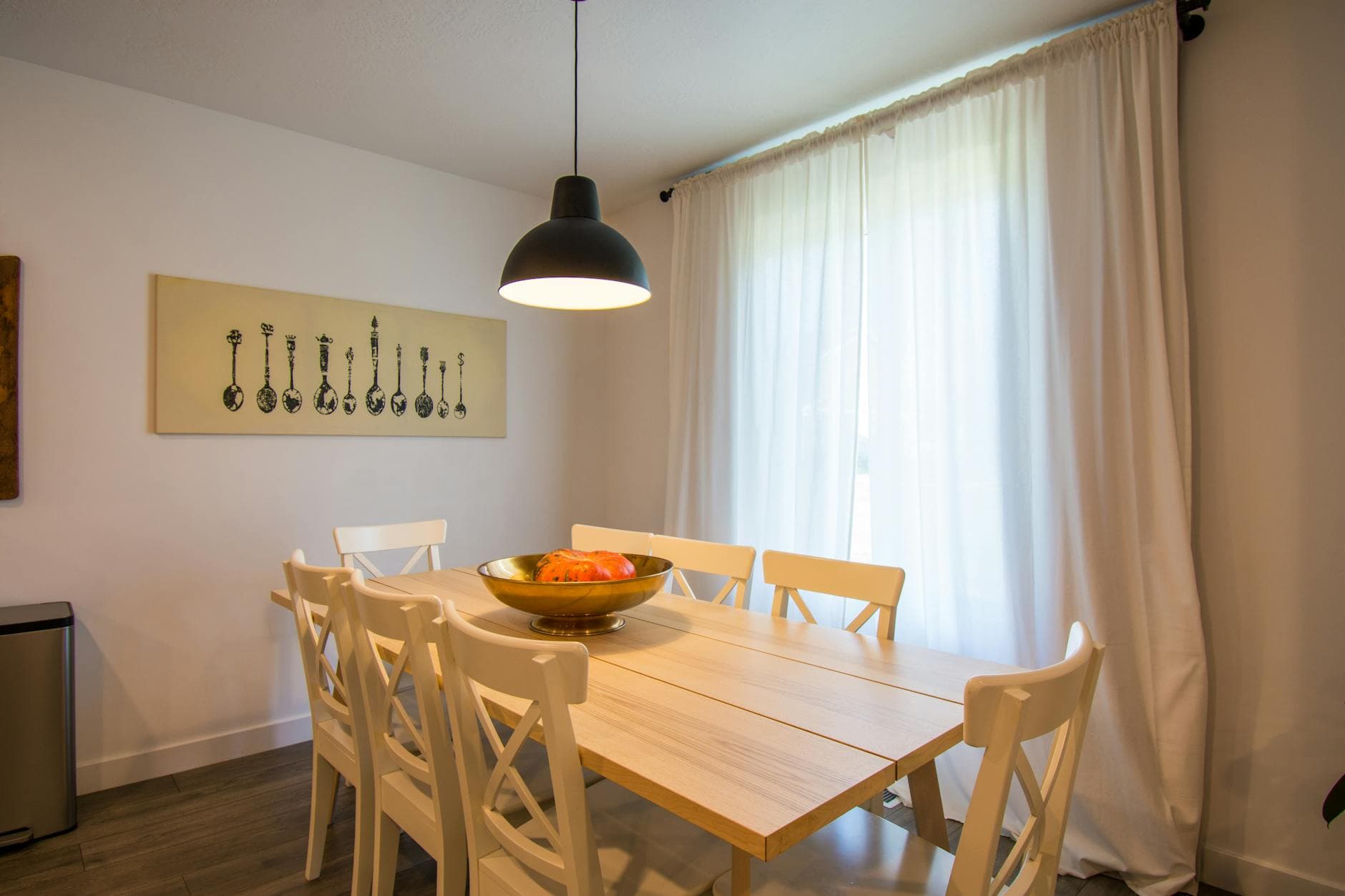
Scandinavian
Scandinavian dining rooms are styled with pale wood, simple chairs, soft table styling, and an uncluttered footprint for an everyday-friendly feel.
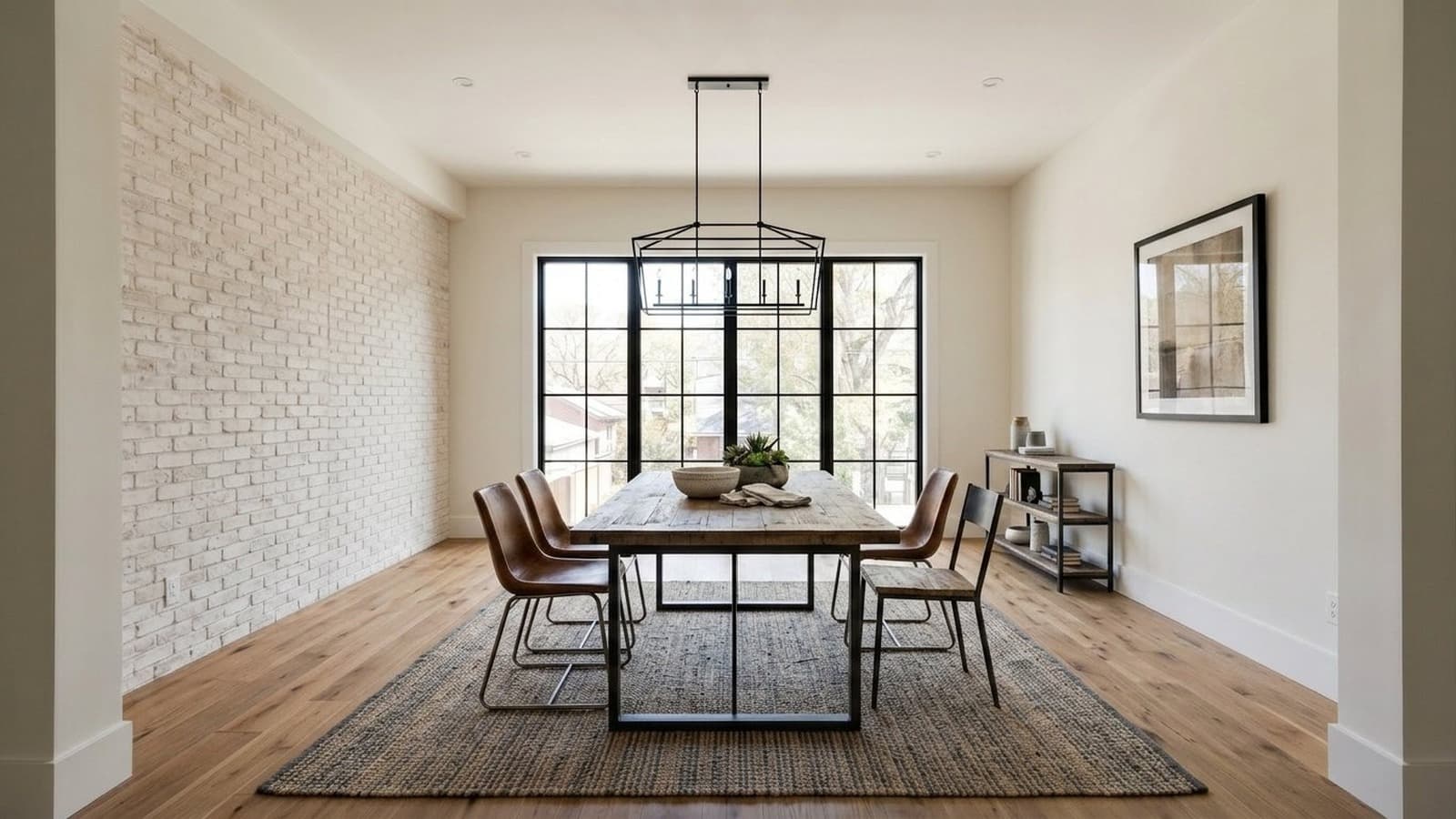
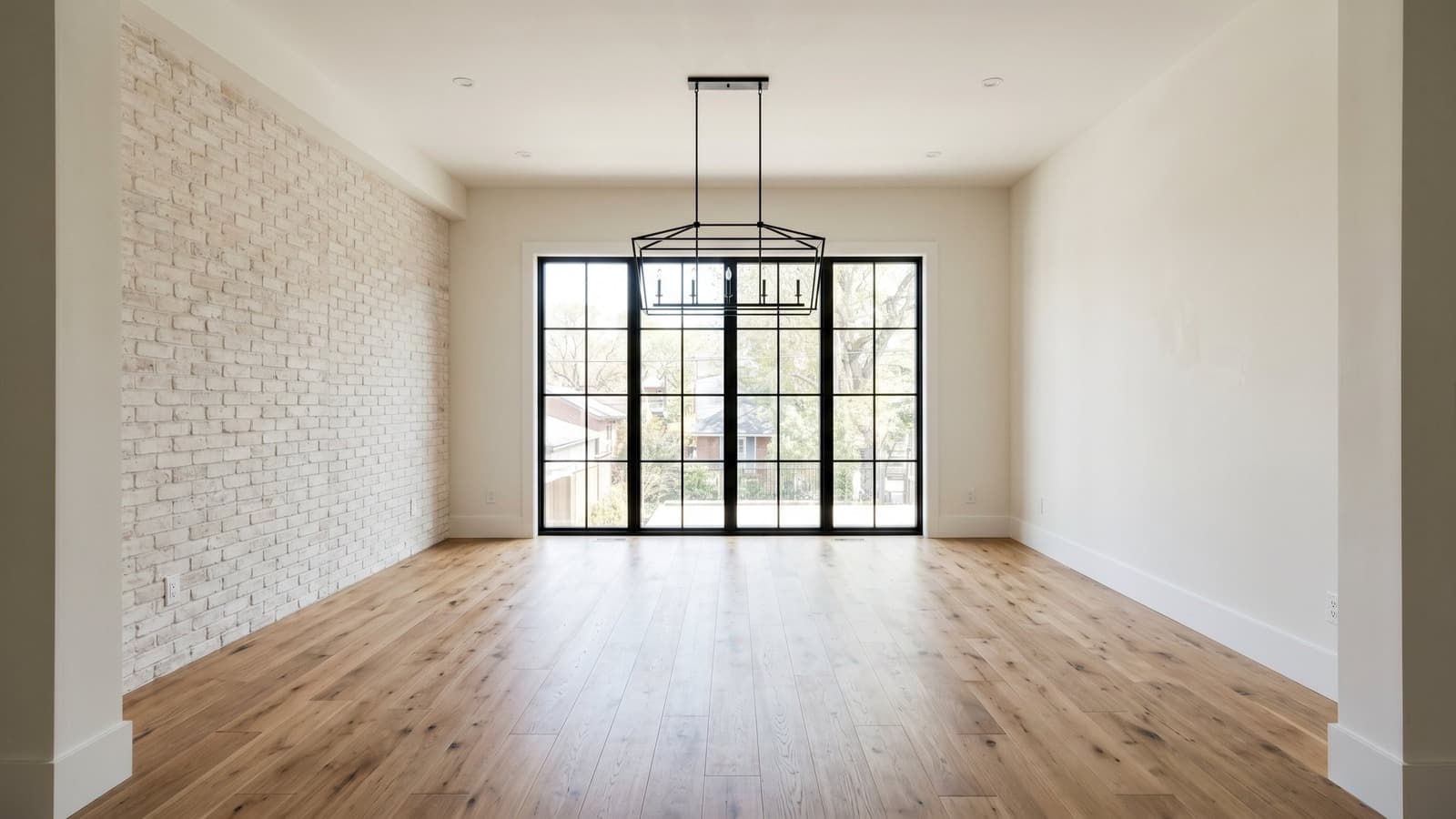 BeforeAfterDrag to compare
Industrial
Industrial dining rooms are styled with darker chairs, metal accents, and heavier wood while keeping table scale realistic for the room.
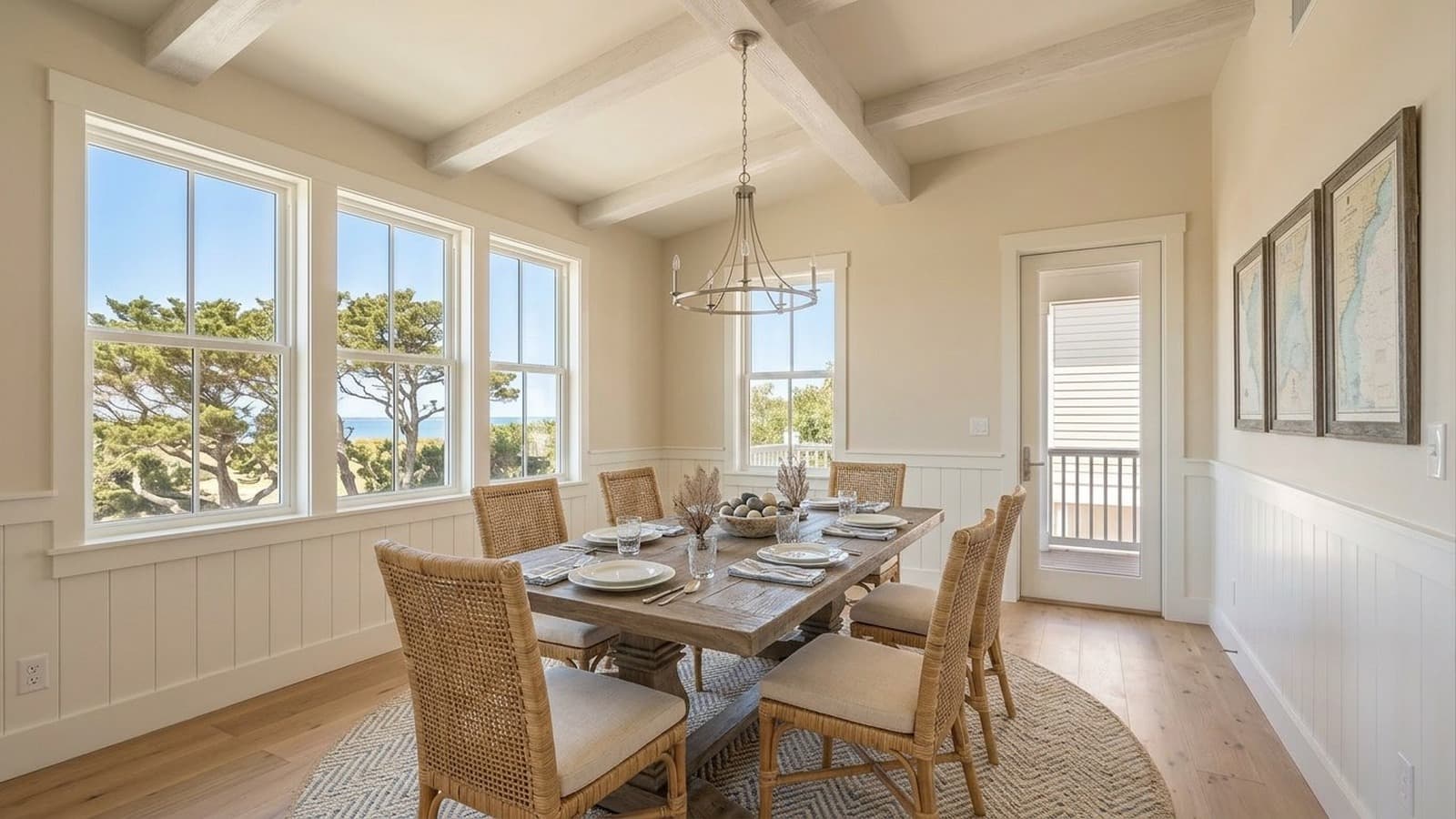
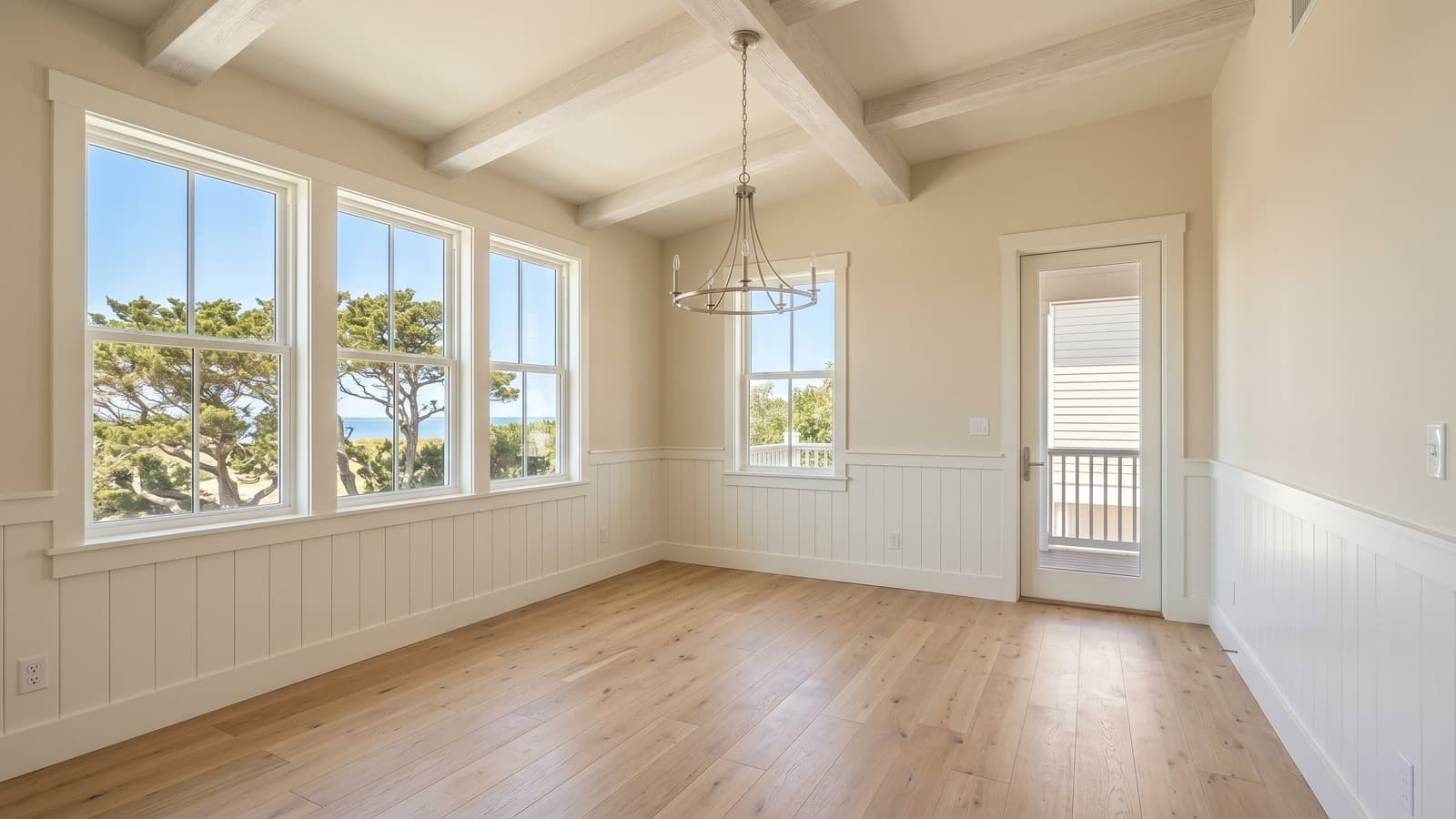 BeforeAfterDrag to compare
Coastal
Coastal dining rooms are styled with light chairs, natural woven texture, and soft blue or white accents so meals and entertaining feel relaxed.
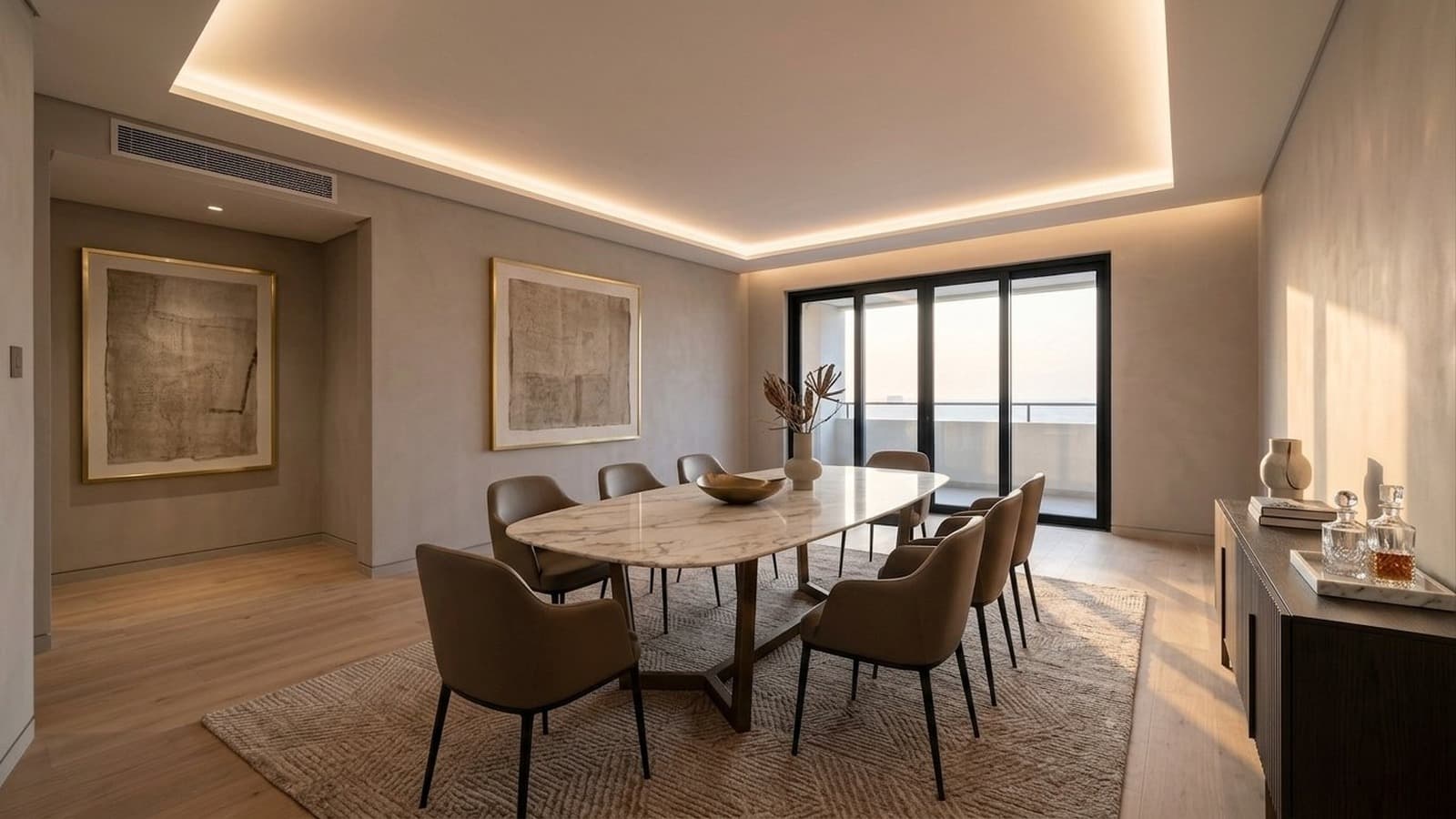
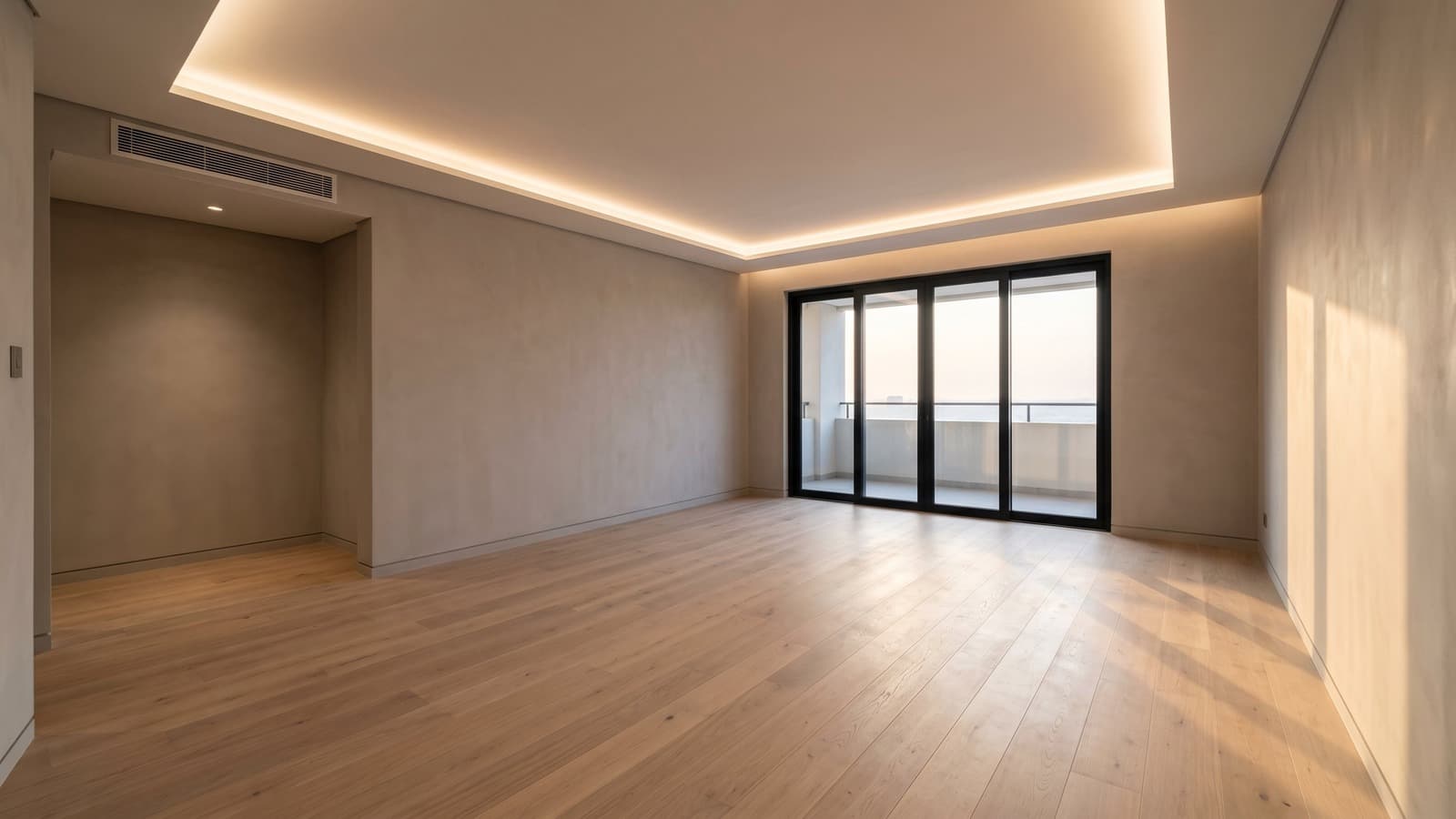 BeforeAfterDrag to compare
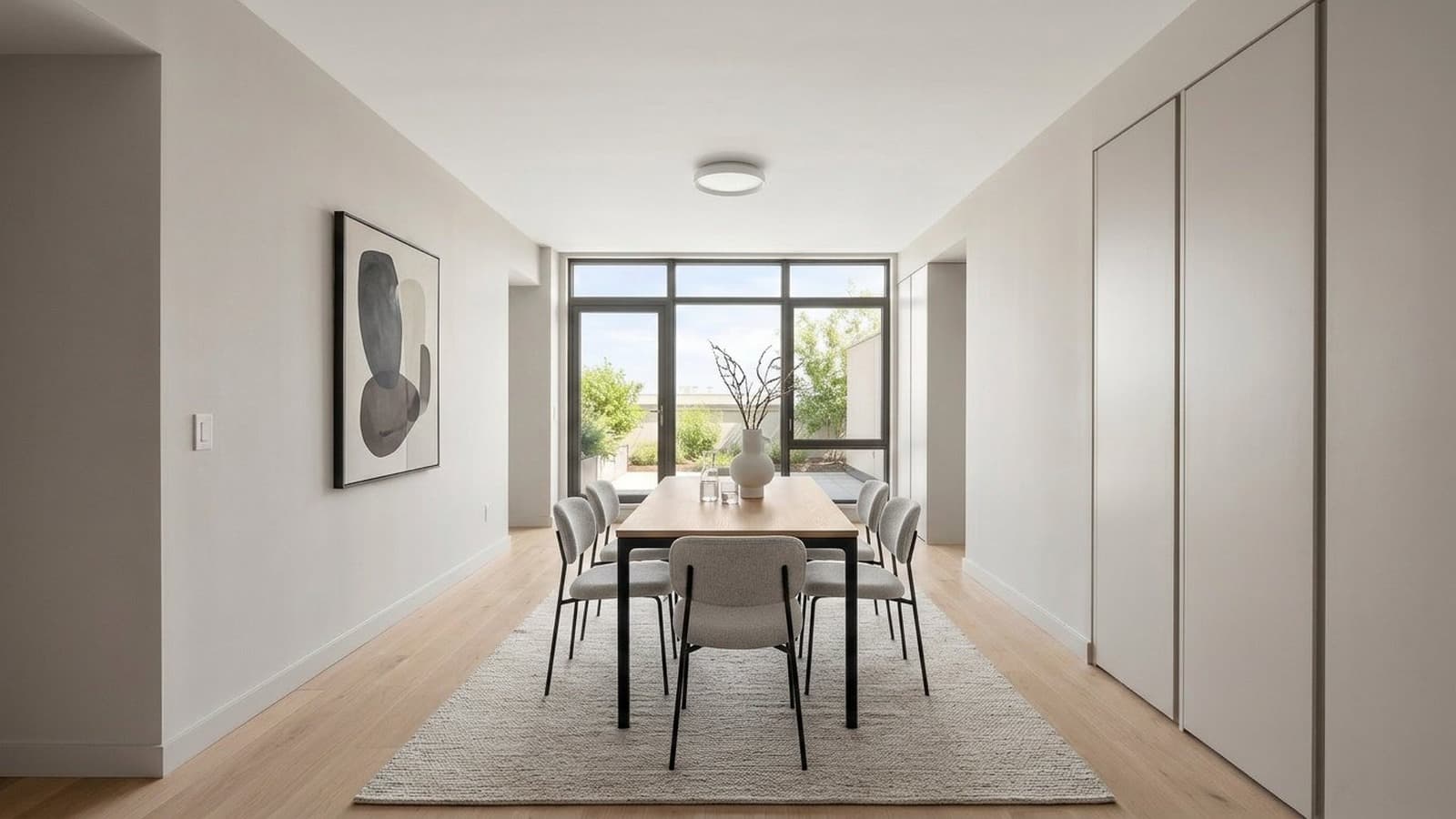
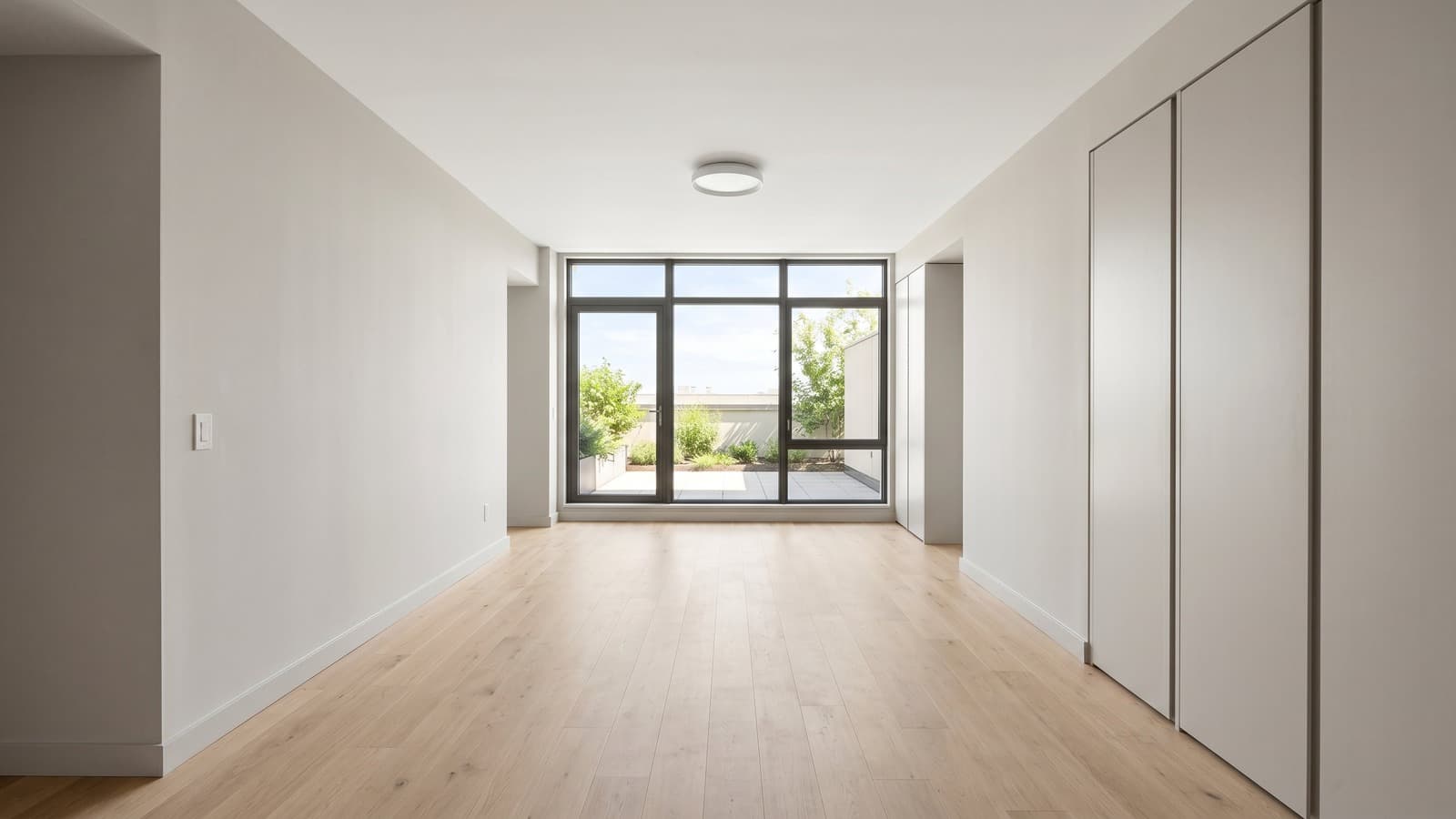
Luxury
Luxury dining rooms are styled with a marble or stone-top table, refined chair shapes, and sparse table styling so the dining area feels intentional and premium.
 BeforeAfterDrag to compare
Minimalist
Minimalist dining rooms are styled with a pared-back table, chairs, and surface setting so the room feels spacious and easy to understand.
 BeforeAfterDrag to compare
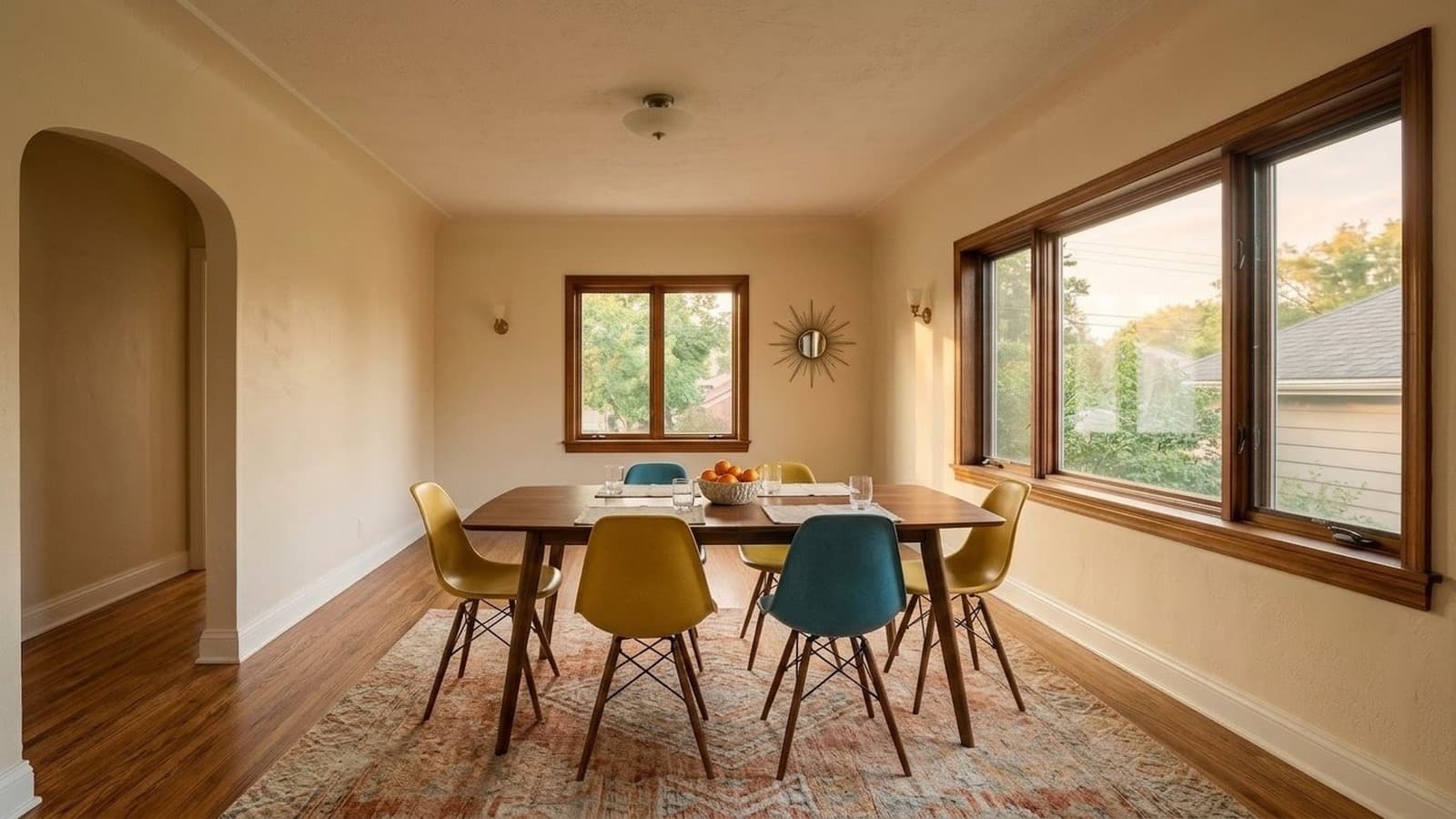
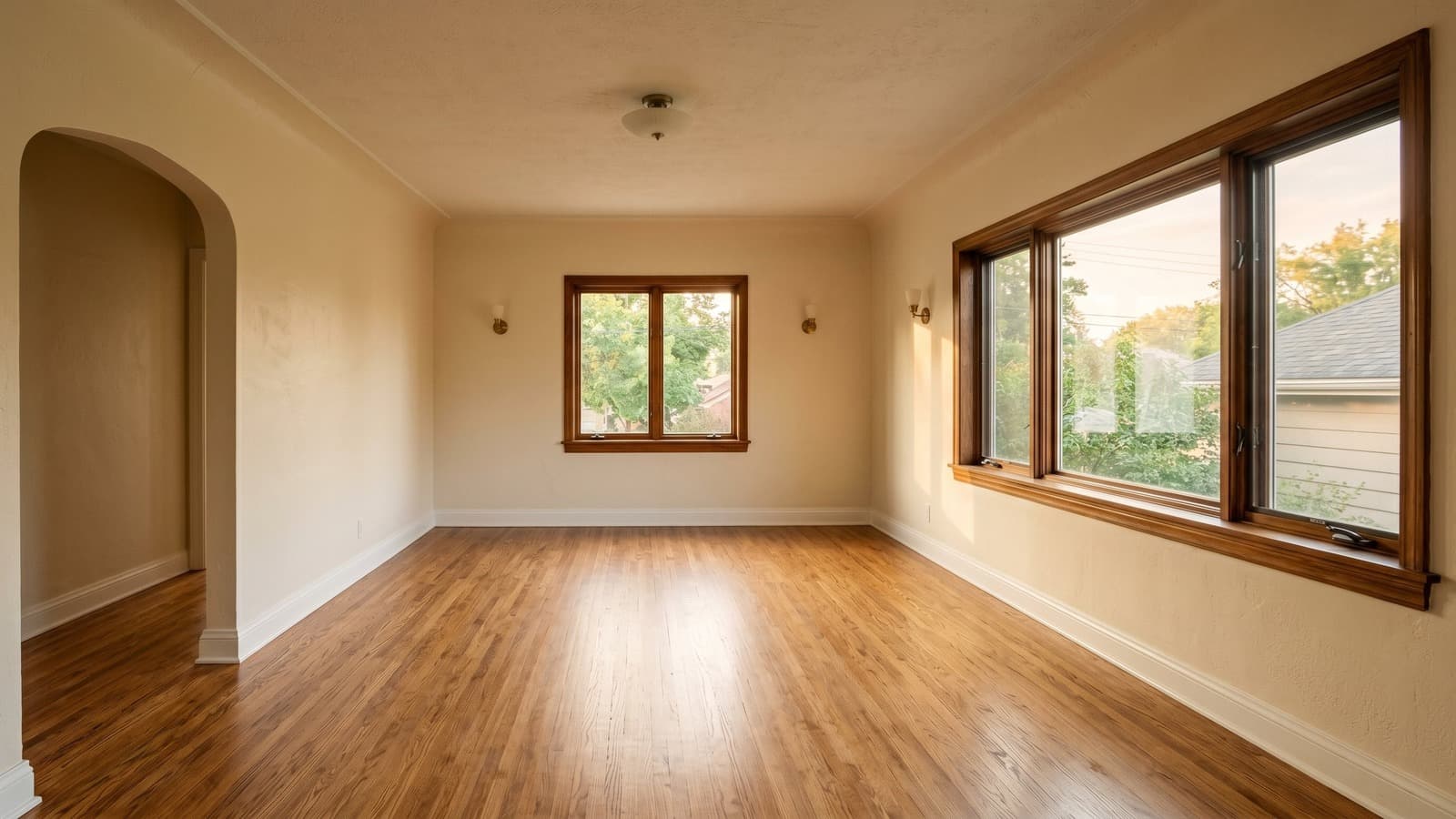
Mid-Century Modern
Mid-century modern dining rooms are styled with warm wood, tapered chair legs, and a simple centerpiece to create a recognizable dining moment.
 BeforeAfterDrag to compare
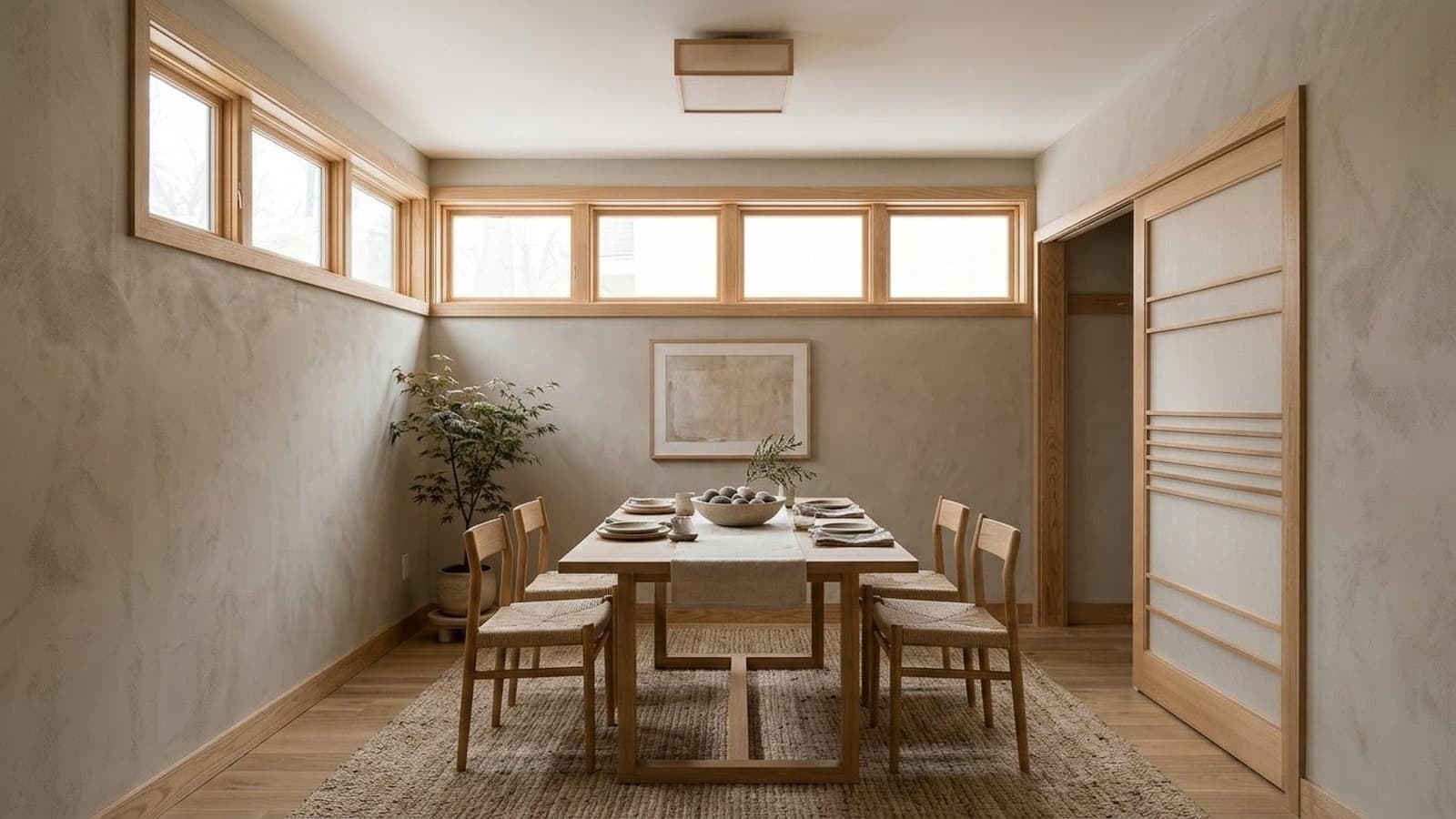
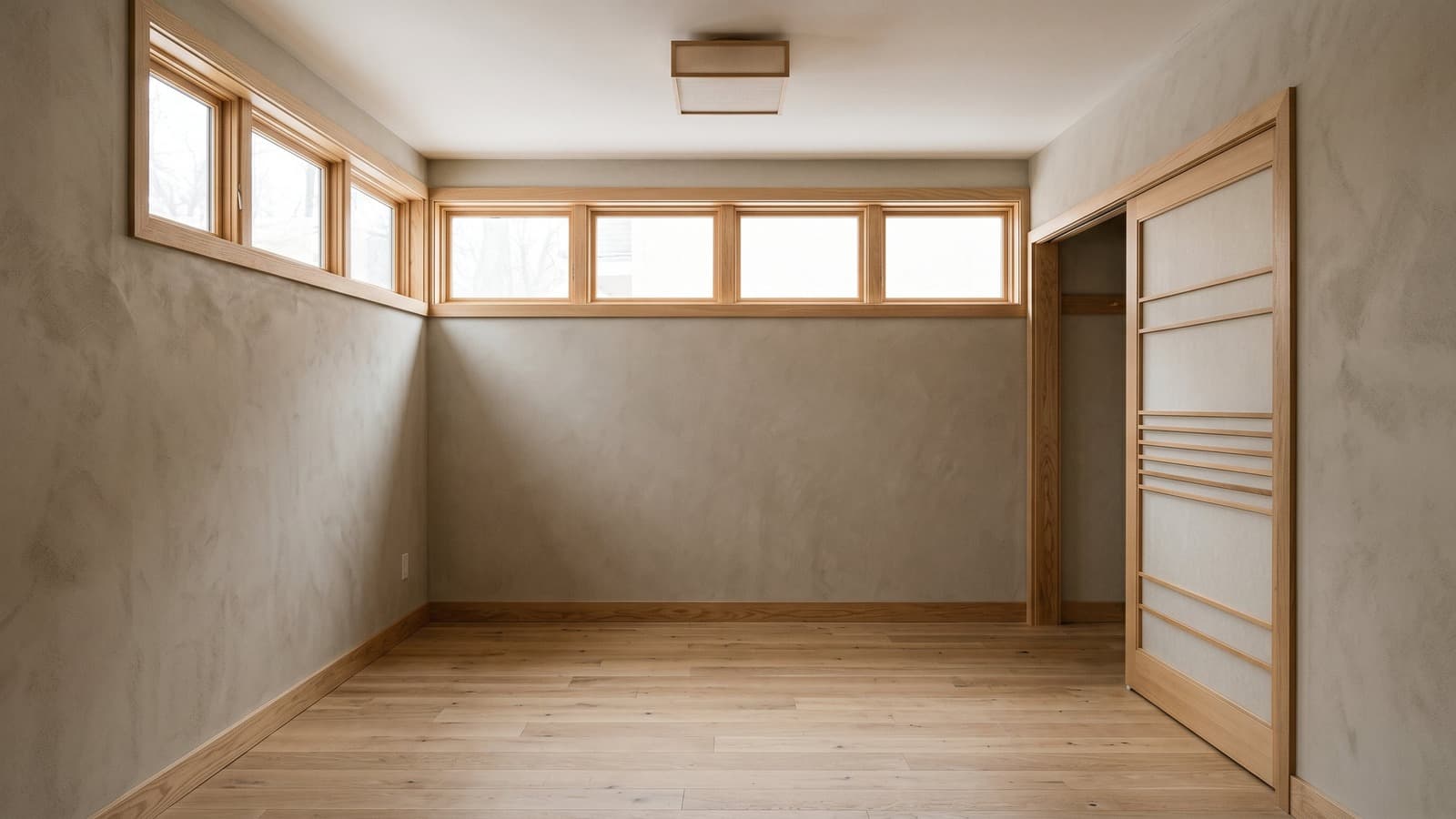
Japandi
Japandi dining rooms are styled with natural wood, simple forms, handmade ceramics, and open space for a quiet, grounded eating area.
 BeforeAfterDrag to compare
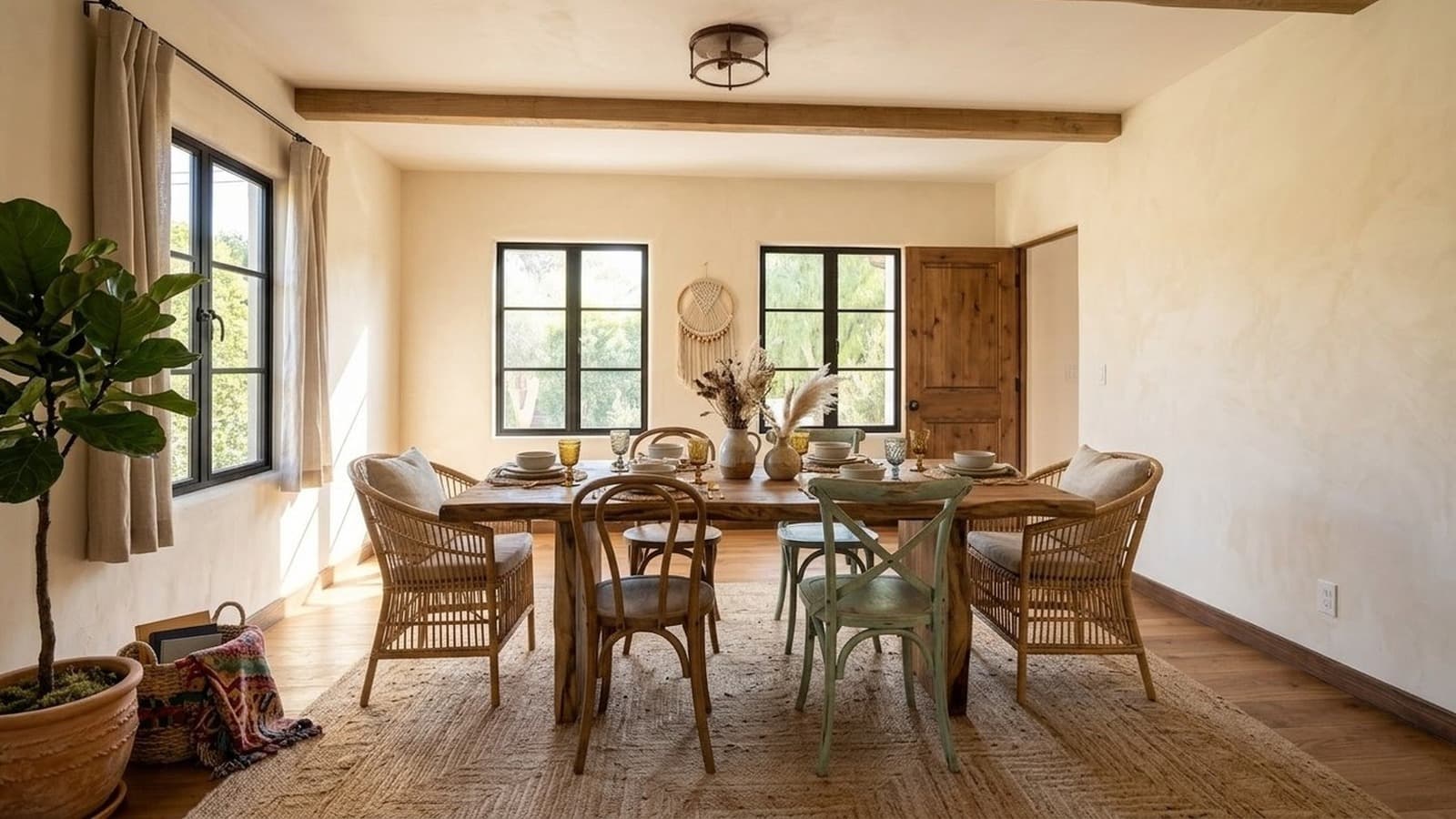
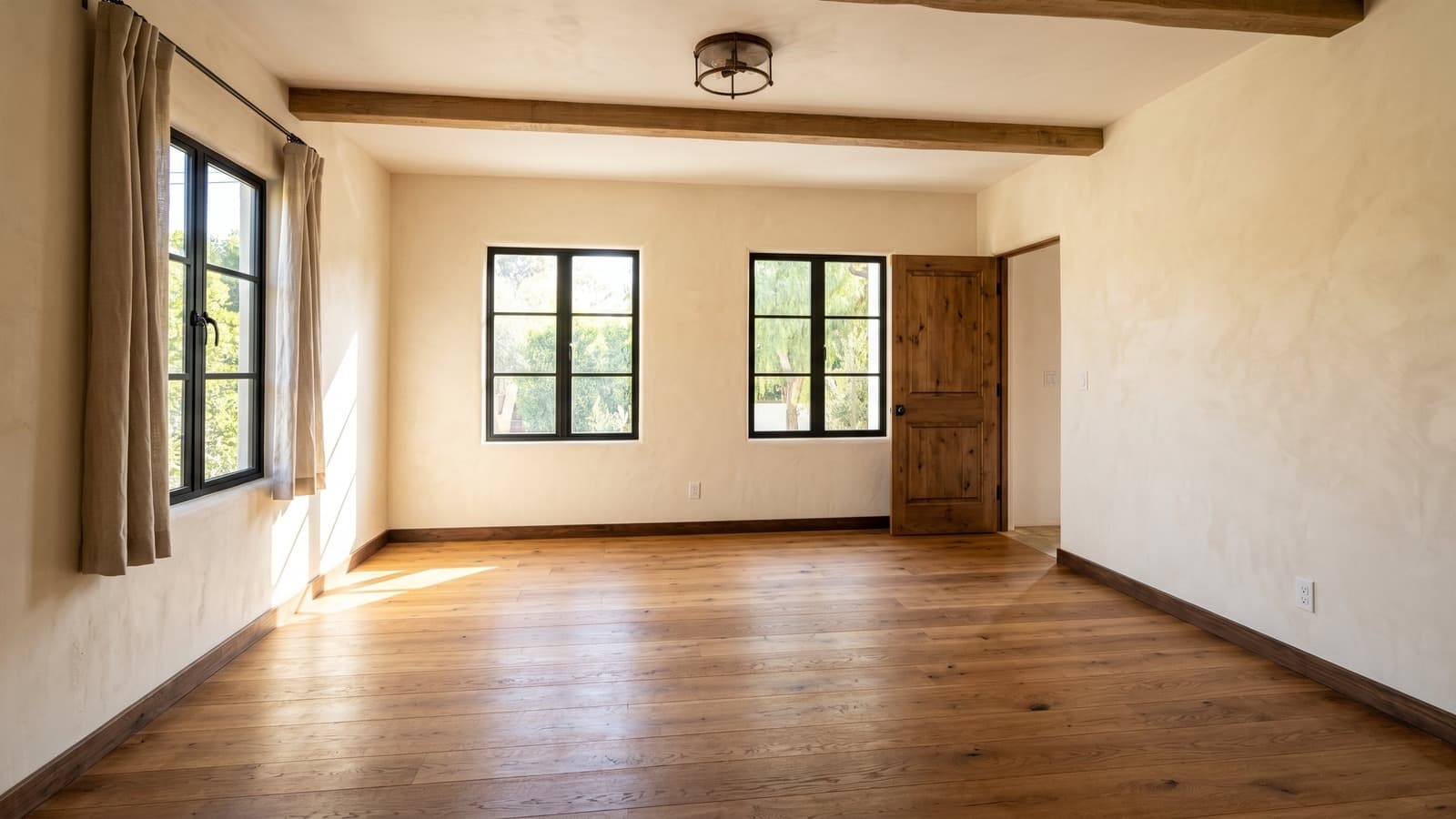
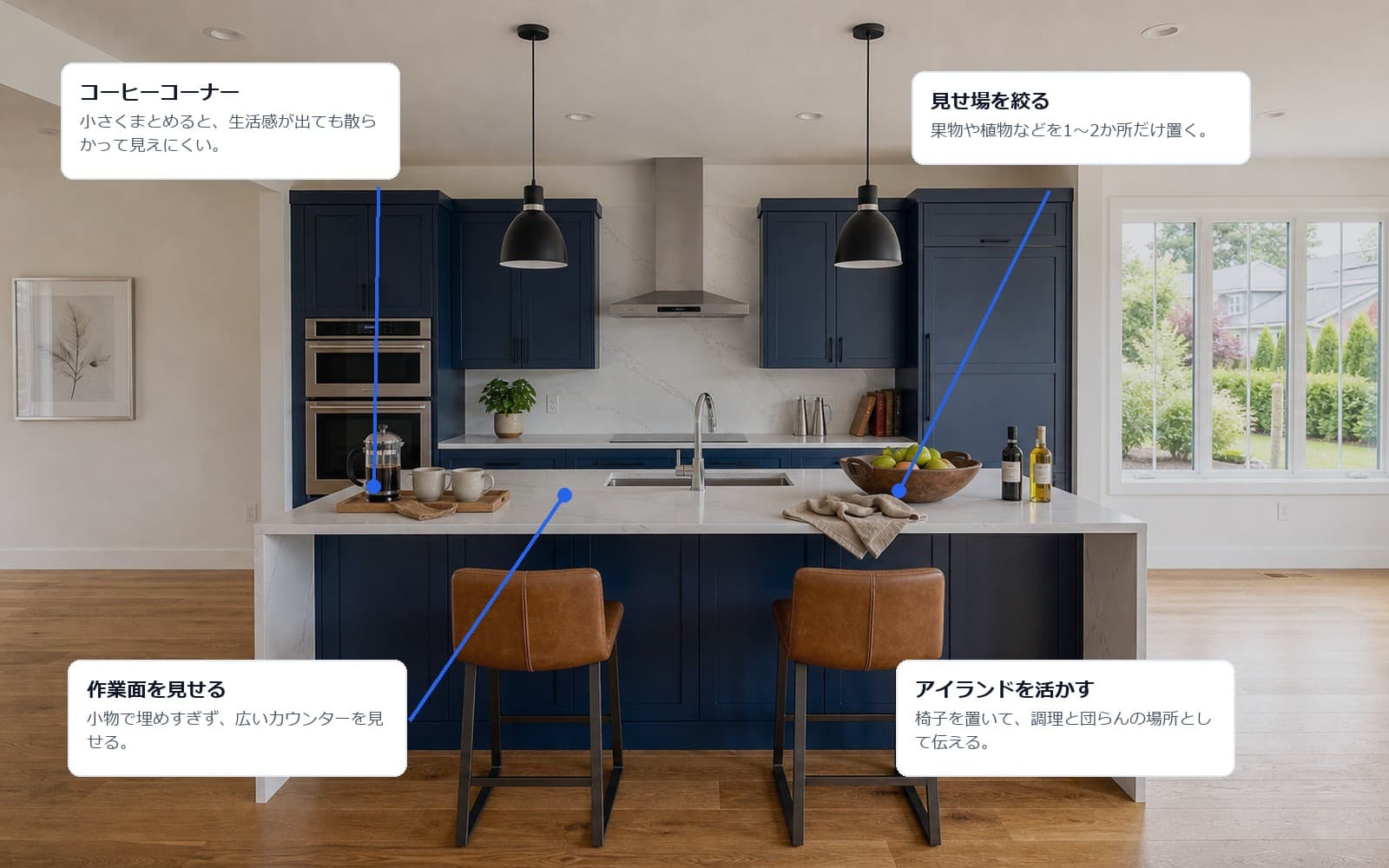
Bohemian
Bohemian dining rooms are styled with woven chairs or accents, warm ceramics, subtle pattern, and natural texture while keeping the table layout tidy.
 BeforeAfterDrag to compare
Traditional
Traditional dining rooms are styled with classic table proportions, balanced chairs, and polished table styling so the space feels established.
Frequently Asked Questions About Virtual Staging Examples
What should I look for in virtual staging before and after examples?
Look for realistic furniture scale, accurate perspective, clear walkways, and staging that fits the room rather than overpowering it. In strong virtual staging before-and-after examples, permanent features such as windows, flooring, walls, cabinets, and built-ins should remain consistent between the original and staged images. The biggest changes should come from furniture, decor, lighting, and other removable styling elements.
Can virtual staging change walls, windows, or flooring?
For standard real estate listings, virtual staging should preserve fixed property features such as walls, windows, flooring, doors, cabinets, and built-ins. Furniture, decor, rugs, lighting, and other removable styling elements can change, but the underlying architecture should remain consistent between the before-and-after images.
Is virtually staged content allowed on the MLS?
Many MLS boards allow virtually staged photos when the images are clearly identified as digitally or virtually staged. Virtual Staging Art can add disclosure labels to exported images to help prepare them for listing use. Requirements vary by MLS board and region, so always check your local MLS media policy for specific disclosure or labeling requirements.
Can I compare the same room in different styles?
Yes. You can compare the same room across different interior styles to see how furniture, decor, color, and overall design direction change the look of the space. This makes it easier to compare options such as modern, luxury, Scandinavian, Japandi, minimalist, and traditional staging before choosing the best fit for the property.
What makes Virtual Staging Art examples different from other AI tools?
Virtual Staging Art examples are built to show realistic changes without making the property itself look different. Furniture, decor, lighting, and style can change, while fixed features such as walls, windows, flooring, cabinets, and built-ins remain consistent. You can also compare the same room across multiple interior styles, making it easier to judge scale, layout, and design choices before staging your own listing.
Virtual Staging Art also includes PropLens, its mobile real estate photography and staging app. Agents and photographers can capture property photos with on-screen guidance, remove clutter or furniture, virtually stage rooms in multiple styles, enhance photos, and export listing-ready images from the same mobile workflow. Projects also sync with the Virtual Staging Art desktop platform.
Do before-and-after virtual staging photos affect how a listing performs?
Yes. Staging helps, according to NAR's recent agent survey, roughly half of sellers' agents reported that staging reduced time on market, and the large majority said it made it easier for buyers to picture themselves in the home. Because virtual staging shows the same furnished, move-in-ready presentation as physical staging at a fraction of the cost, it's commonly used to get that same buyer-engagement benefit on vacant or hard-to-photograph rooms.
Turn your listing photo into the next example.
Upload a room photo, choose a style, compare versions, and download a listing-ready image with disclosure support. For a deeper walkthrough, read our guide to AI virtual staging
Stage A Free Photo