Furniture removal examples
Occupied Home Furniture Removal Before and After Examples
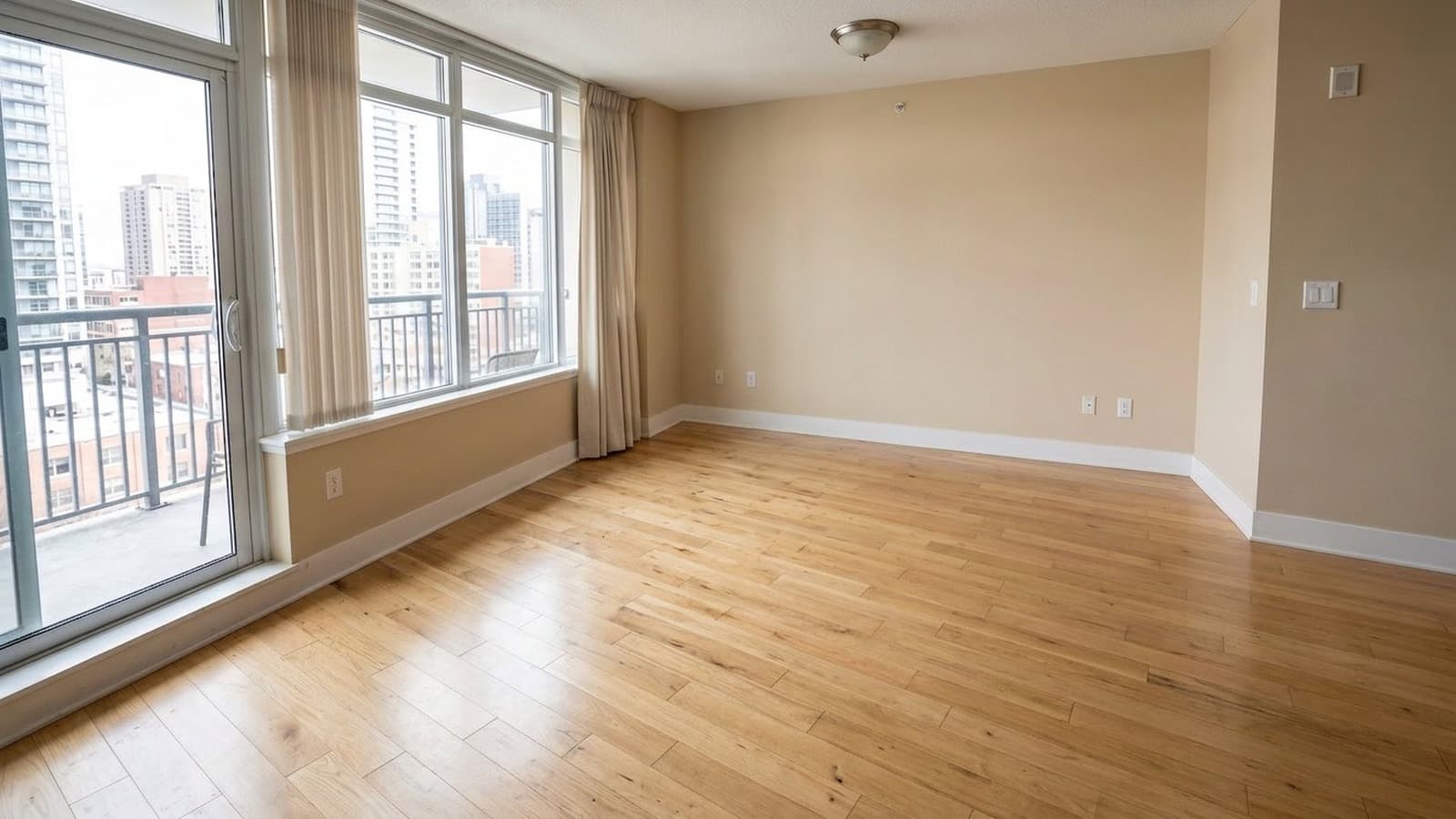
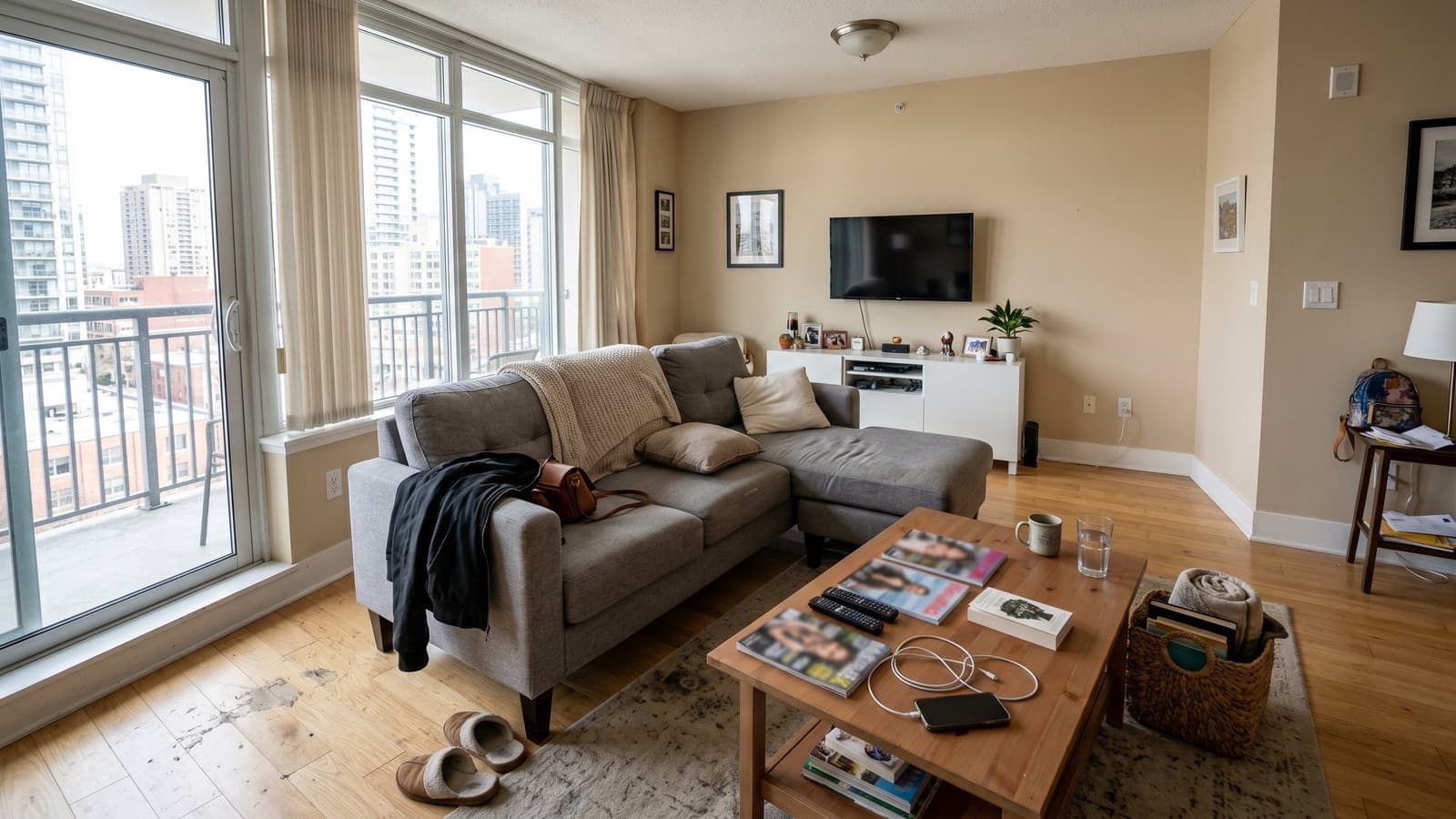
Occupied listings can be difficult to market while tenants or owners are still living there. AI furniture removal can clear movable furniture, belongings, and clutter from the photo, creating a clean base that's ready for marketing or virtual staging before move-out.
 BeforeAfterDrag to compare
Occupied Home Furniture Removal Before and After Examples
Occupied listings can be difficult to market while tenants or owners are still living there. AI furniture removal can clear movable furniture, belongings, and clutter from the photo, creating a clean base that's ready for marketing or virtual staging before move-out.
- Movable furniture and belongings are cleared from the space
- Clutter and personal items are removed for a neutral look
- Walls, flooring, and architectural details remain untouched and visible
Furniture removal gallery
Browse furniture removal examples by room
Use these examples to compare how AI furniture removal and decluttering can clean up different occupied rooms before listing photography.
 BeforeAfterDrag to compare
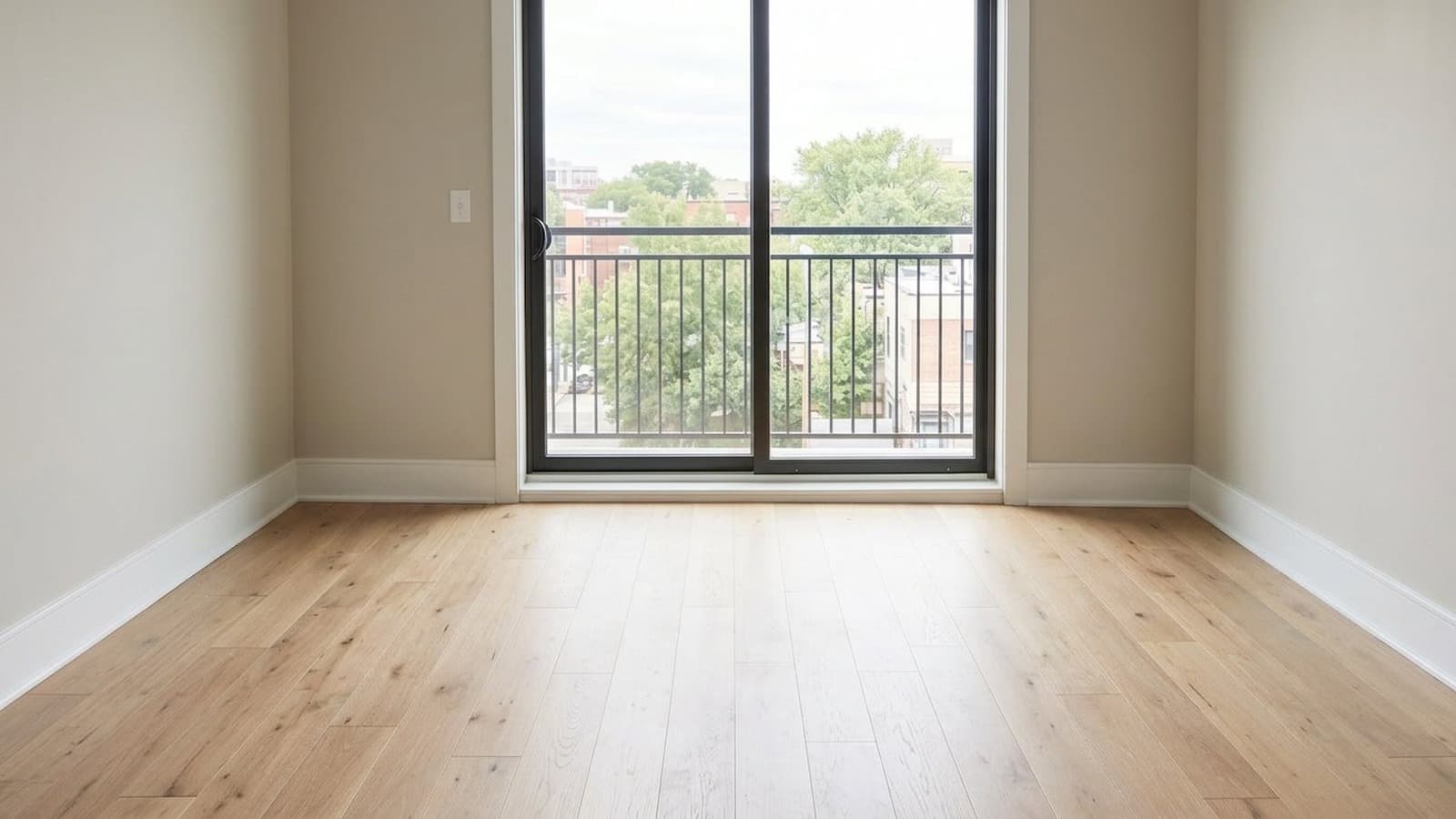
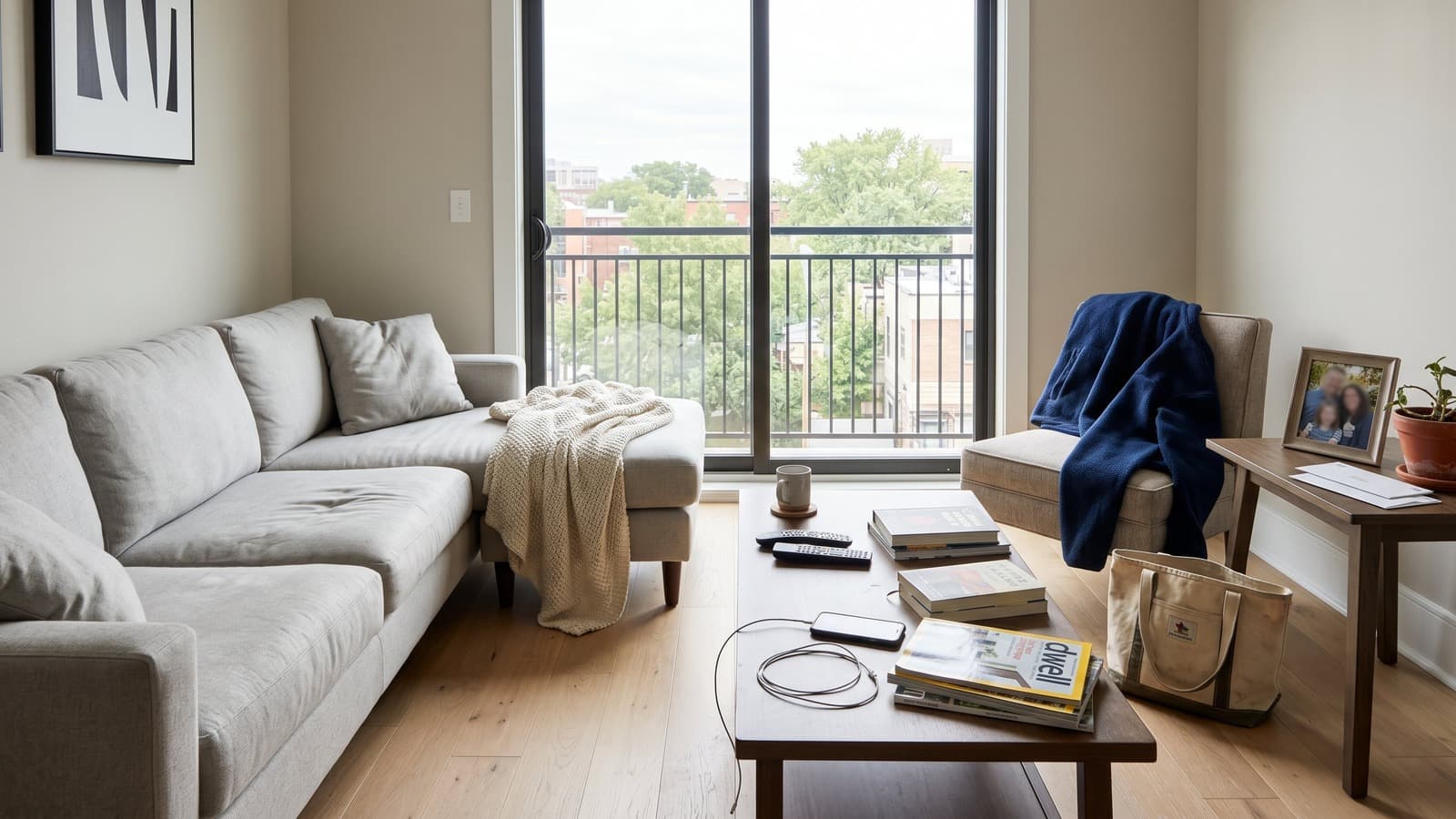
Living room
Living room cleanup removes the sofa, tables, decor, and personal items so buyers can read the room as an empty, flexible living area.
 BeforeAfterDrag to compare
Bedroom
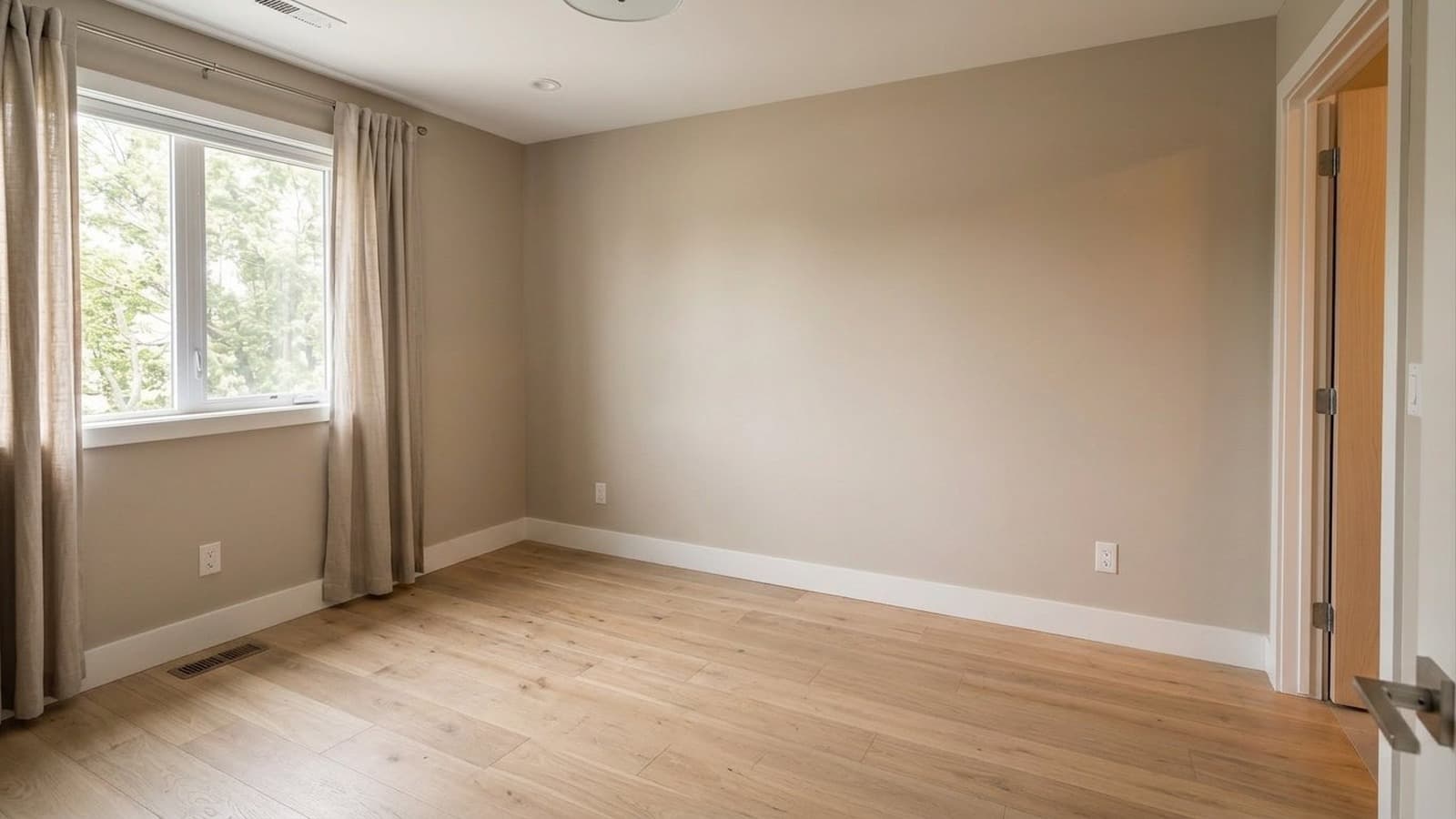
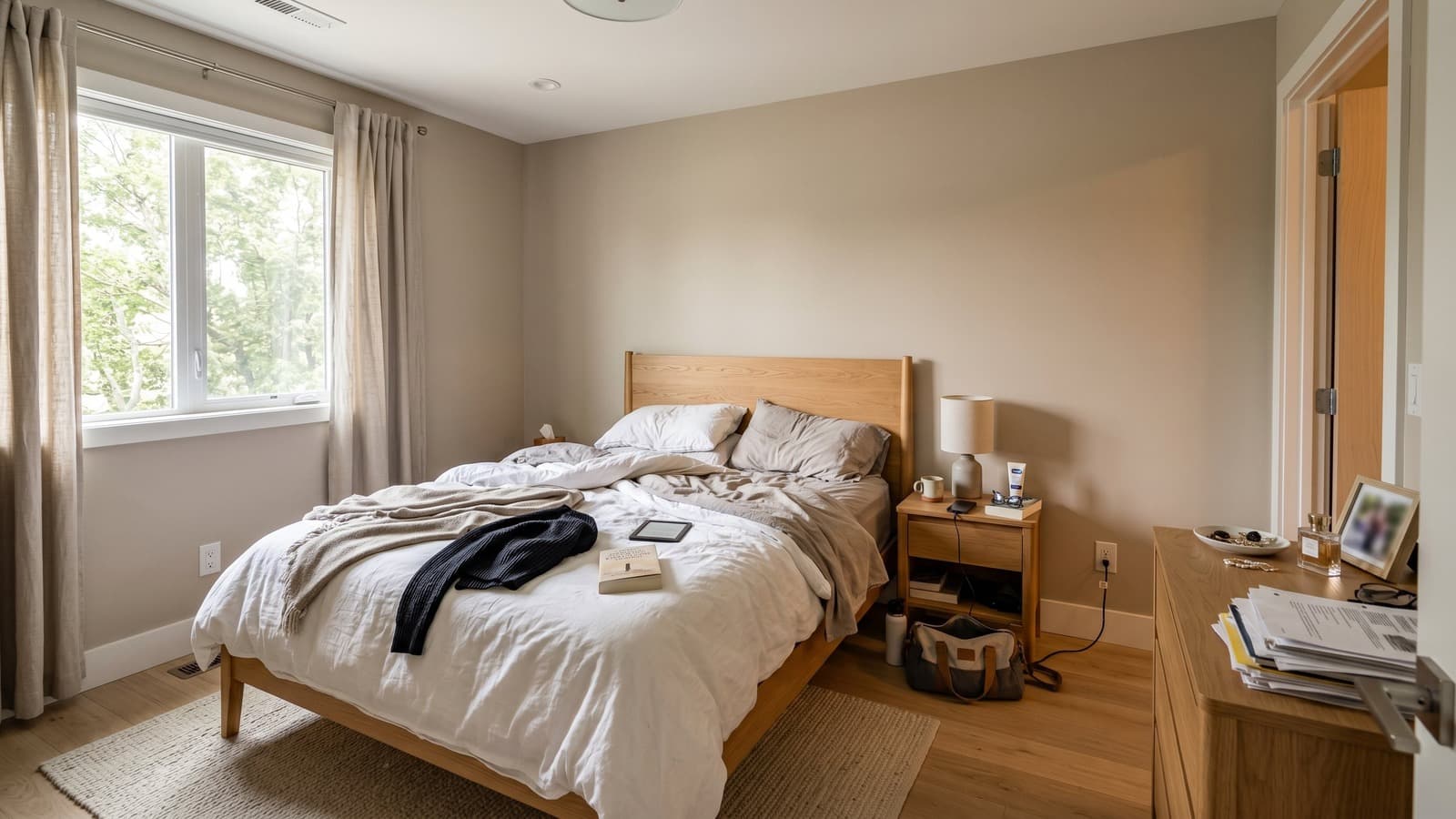
Bedroom cleanup clears the bed, nightstands, textiles, and personal belongings while keeping the window, closet, floor, and wall geometry intact.
 BeforeAfterDrag to compare
Kitchen
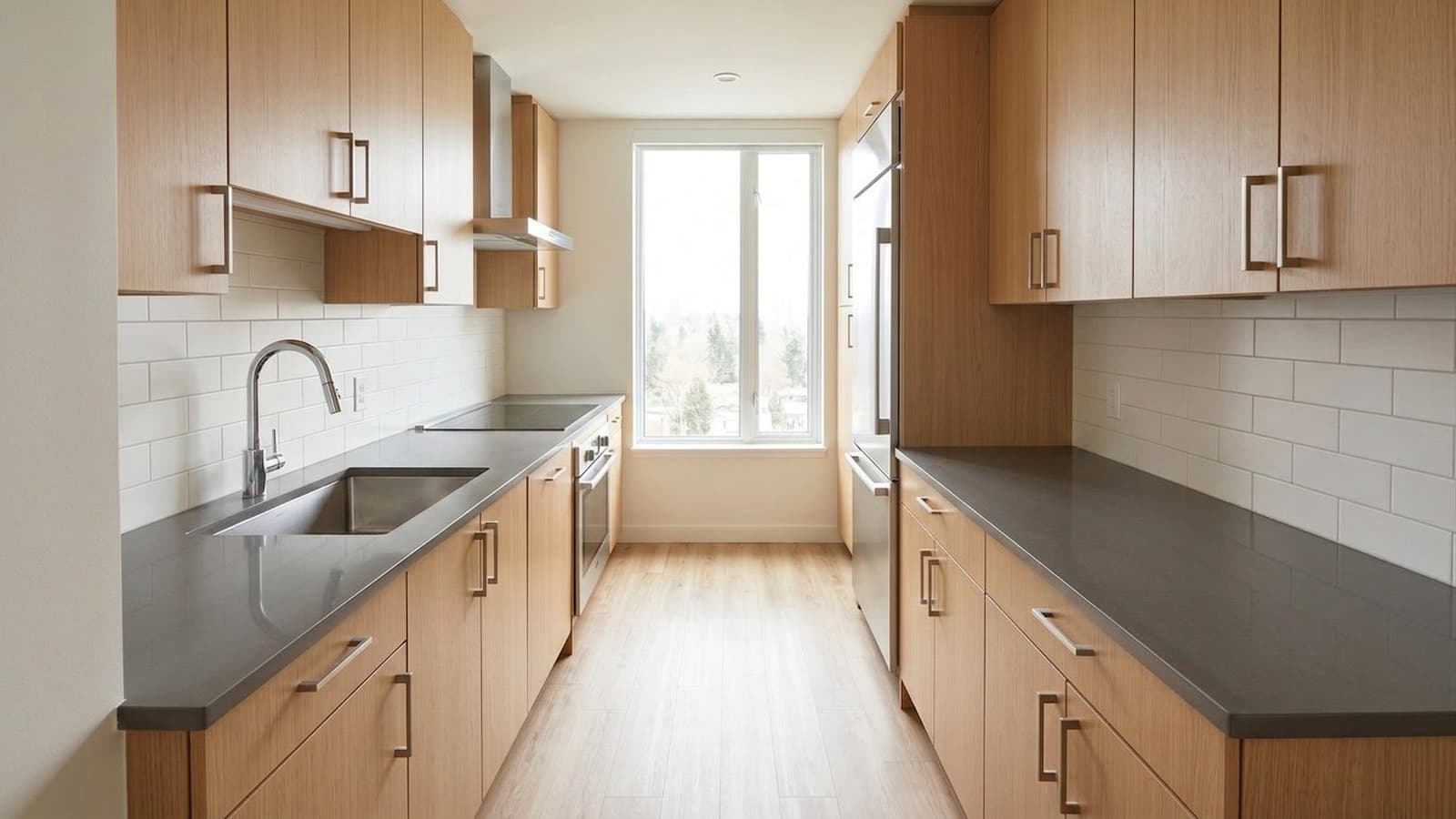
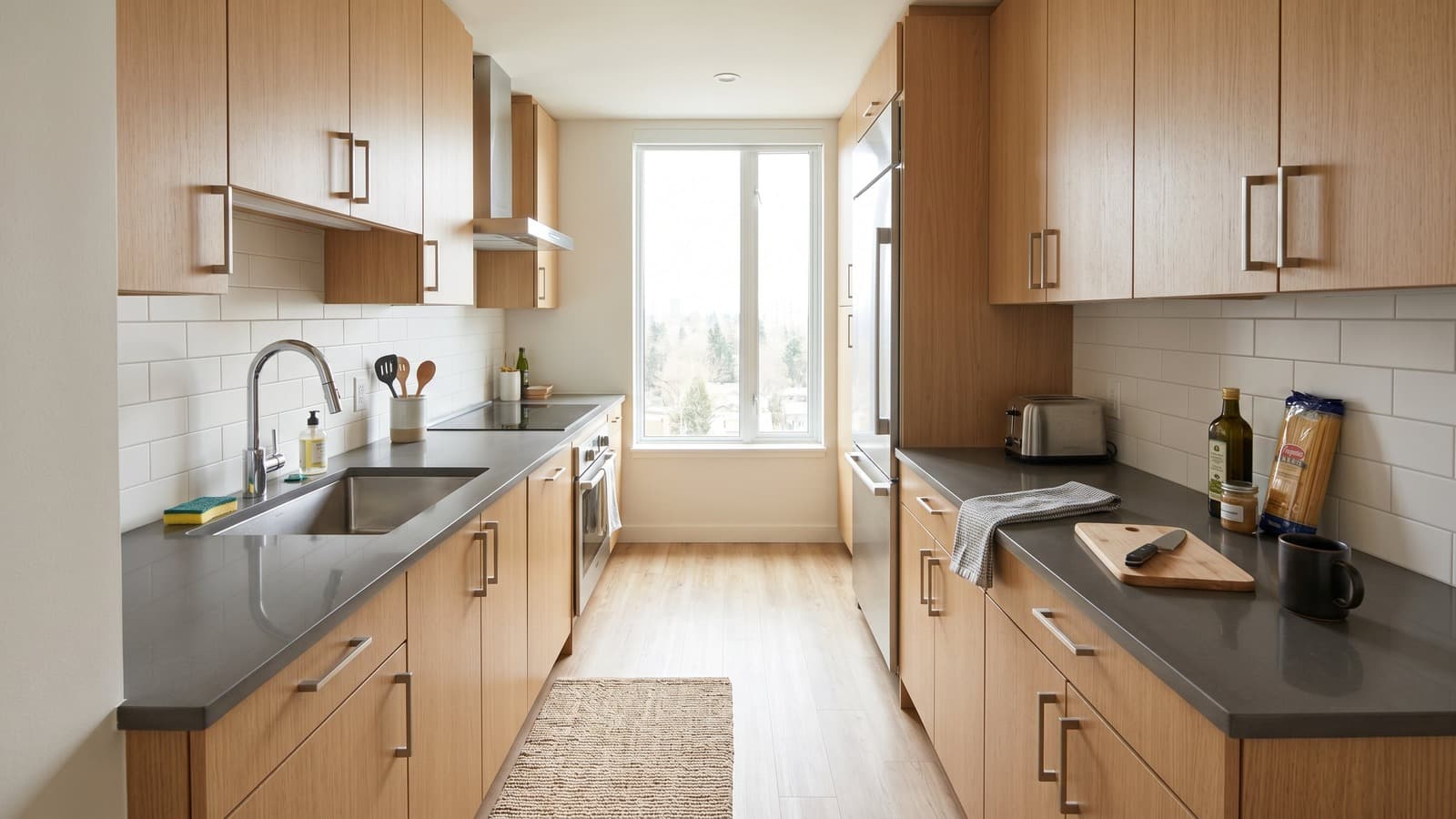
Kitchen cleanup removes loose counter clutter, towels, dishes, and small distractions while preserving cabinets, counters, appliances, and fixtures.
 BeforeAfterDrag to compare
Bathroom
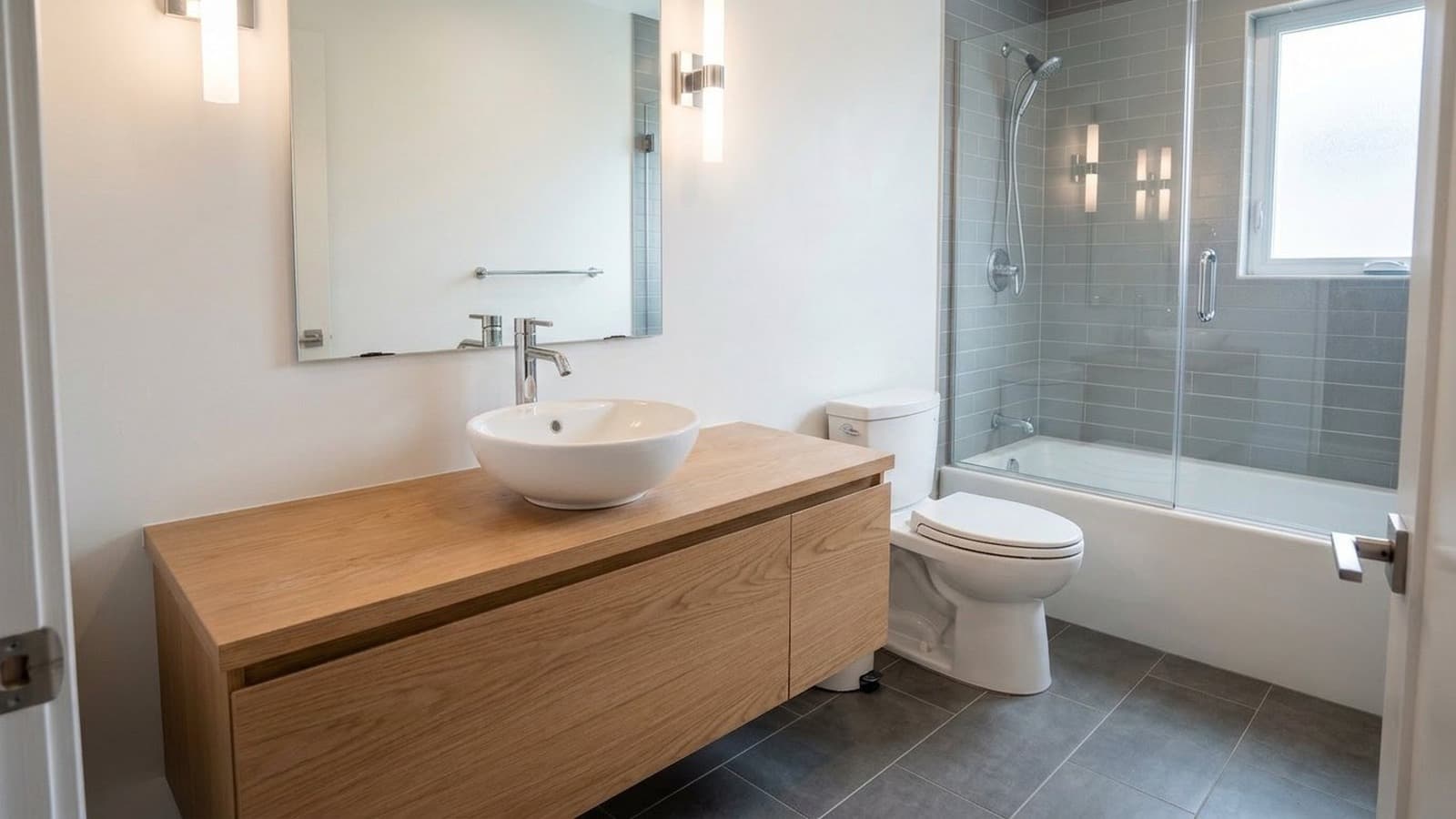
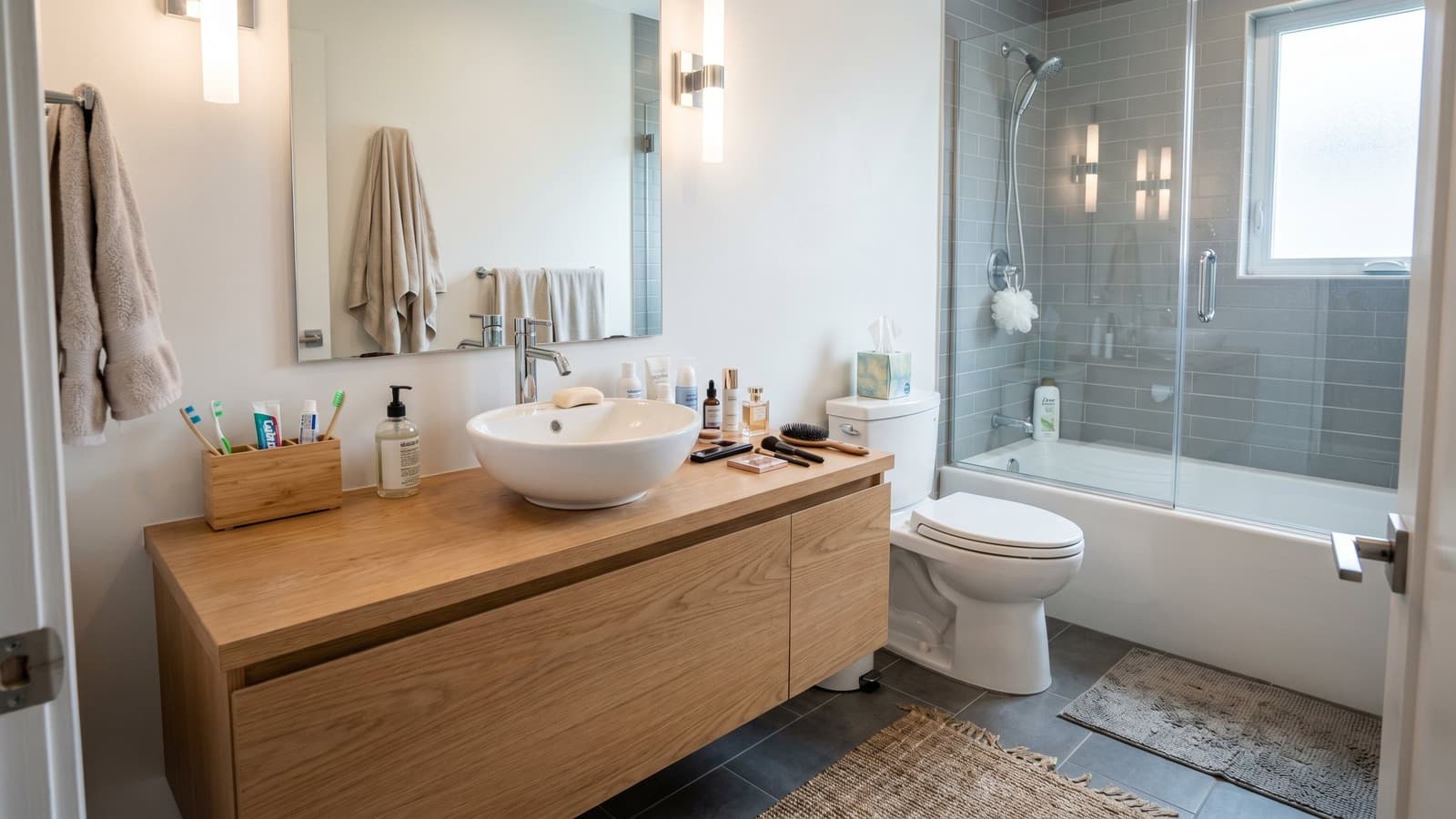
Bathroom cleanup removes toiletries, towels, mats, and loose personal items while preserving fixed plumbing, tile, glass, and vanity details.
 BeforeAfterDrag to compare
Dining room
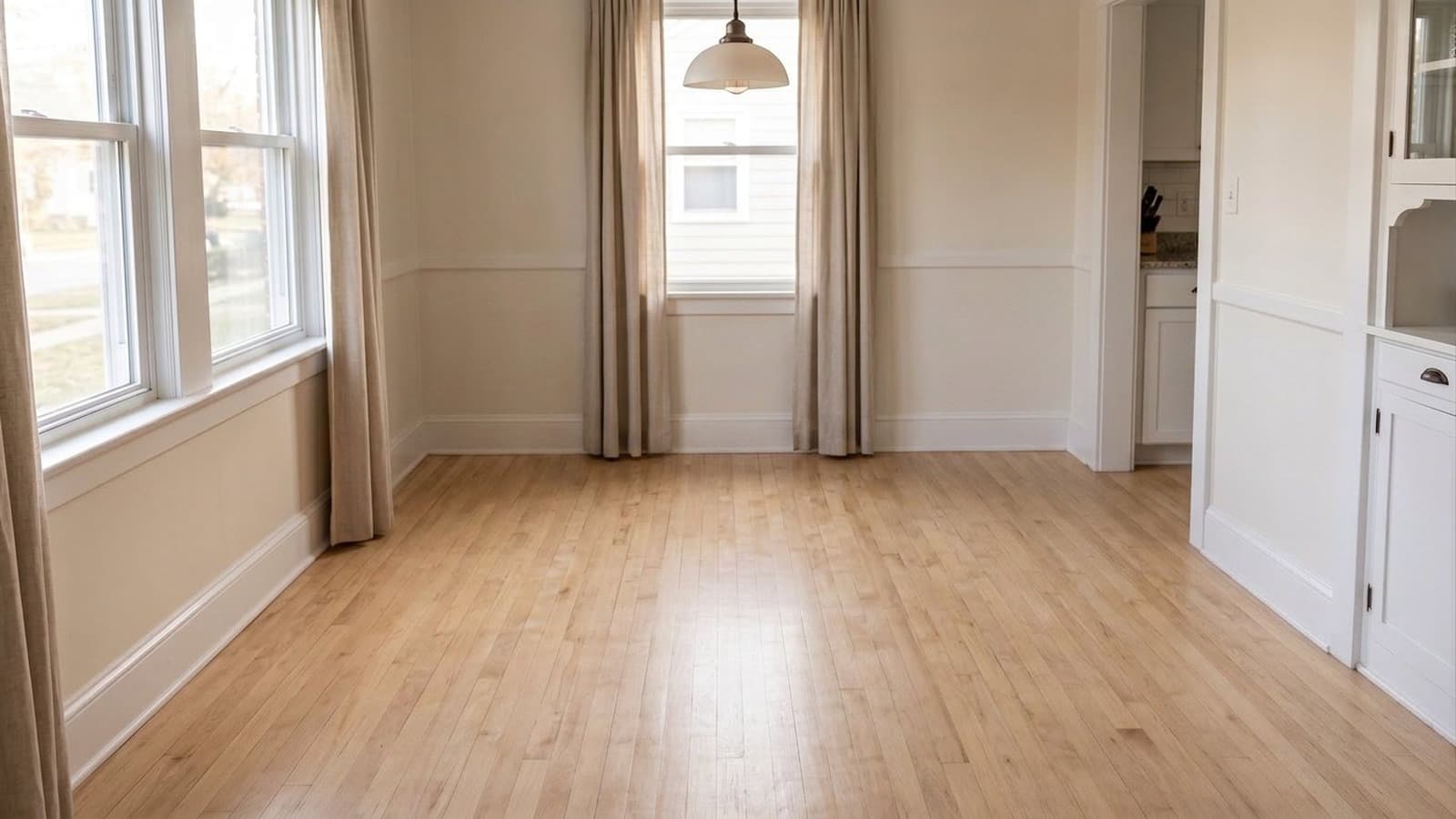
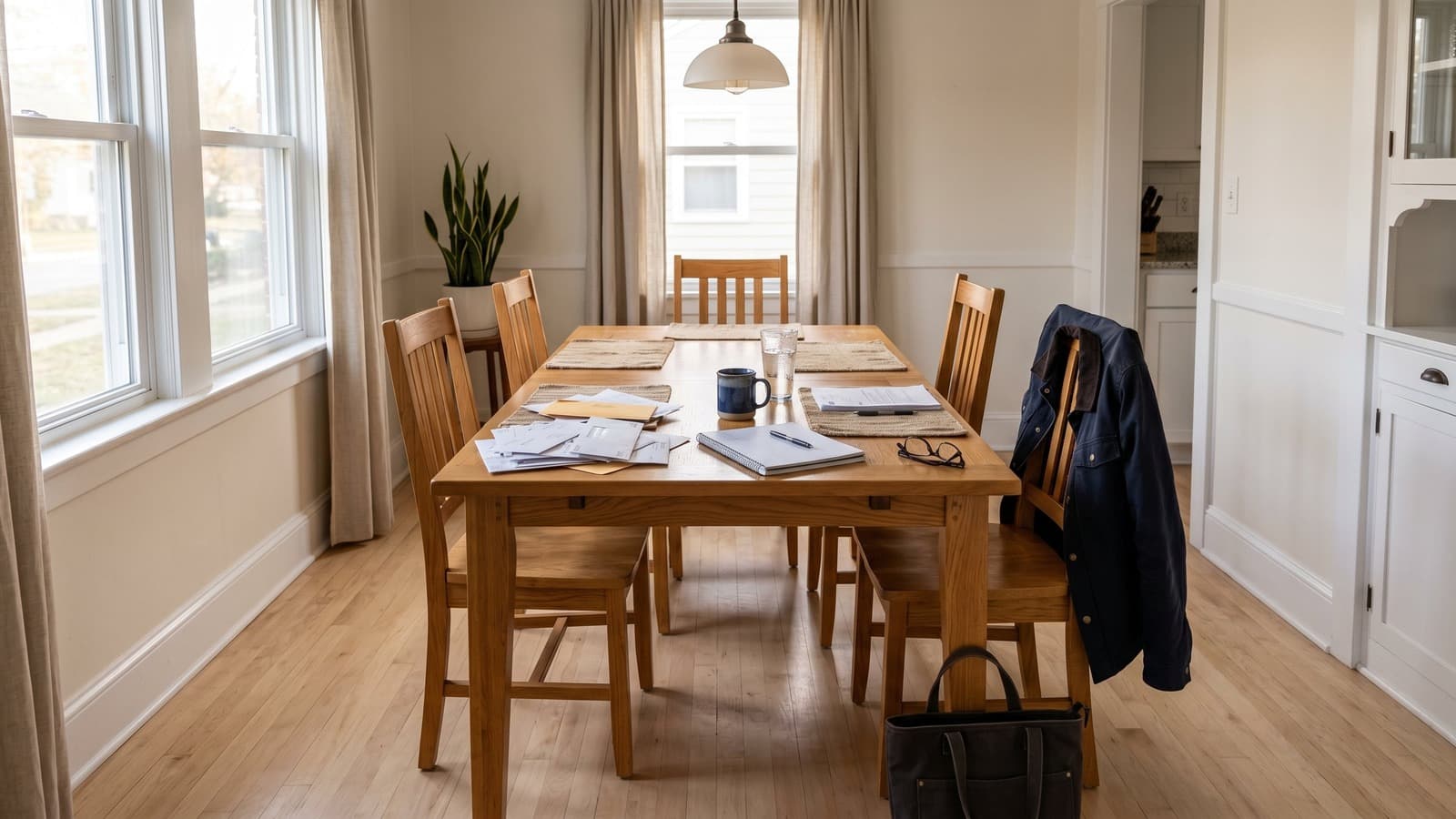
Dining room cleanup removes the table, chairs, bags, papers, and tabletop items so the room can be shown as an open dining area.
 BeforeAfterDrag to compare
Studio
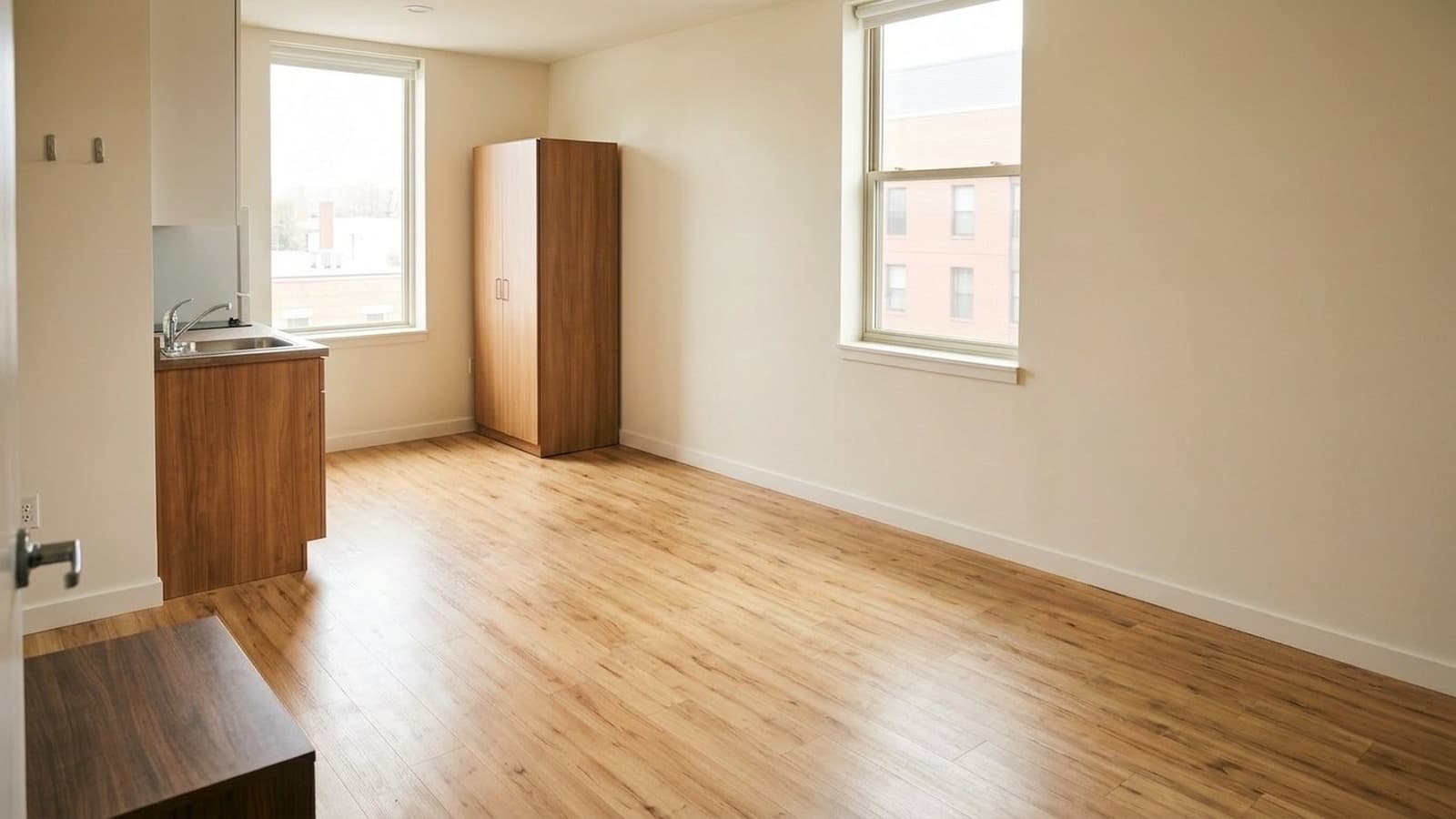
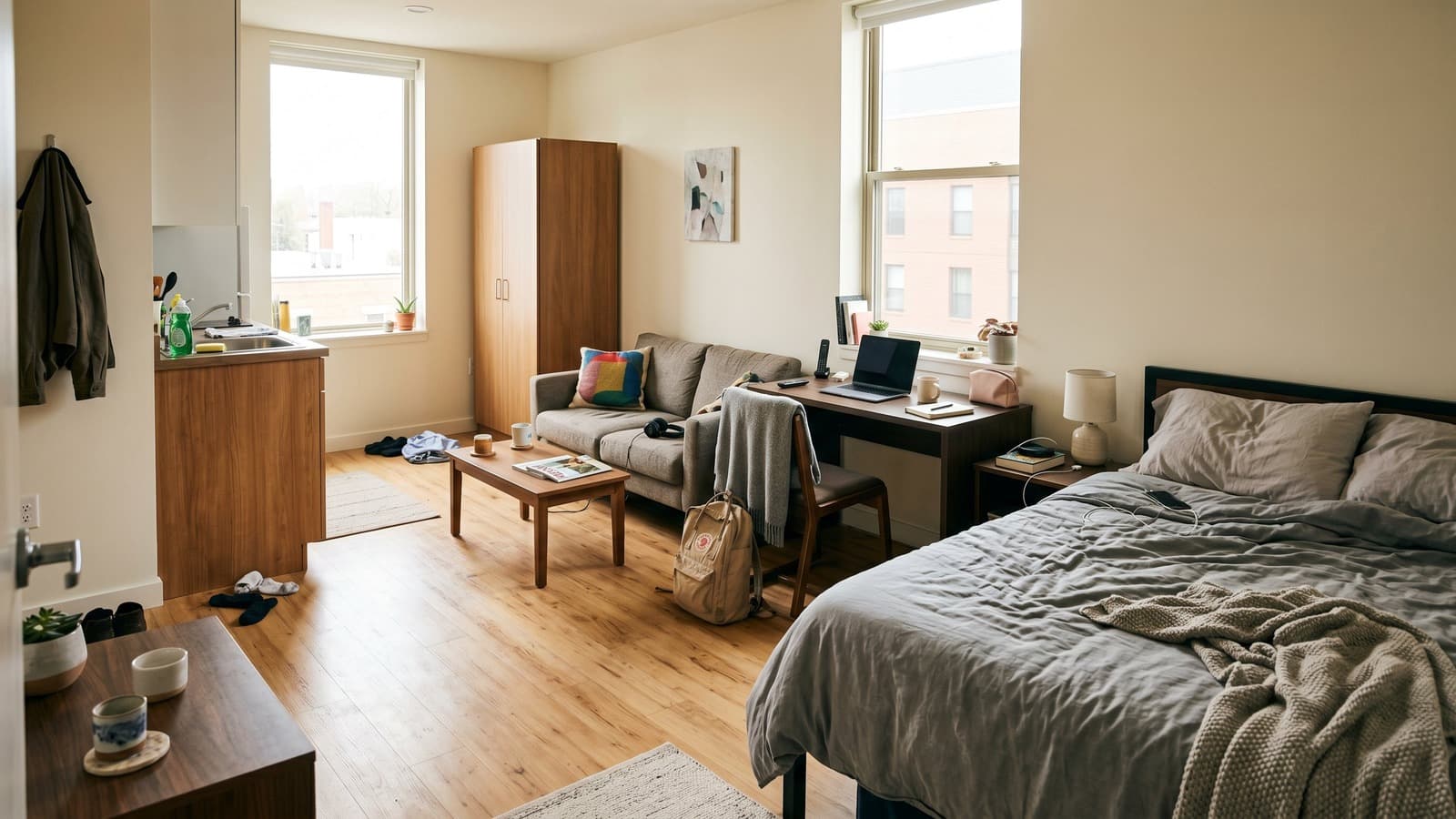
Studio cleanup clears the sleeping, sitting, and work zones so the compact apartment can be shown as an open, unfurnished space.
 BeforeAfterDrag to compare
Office
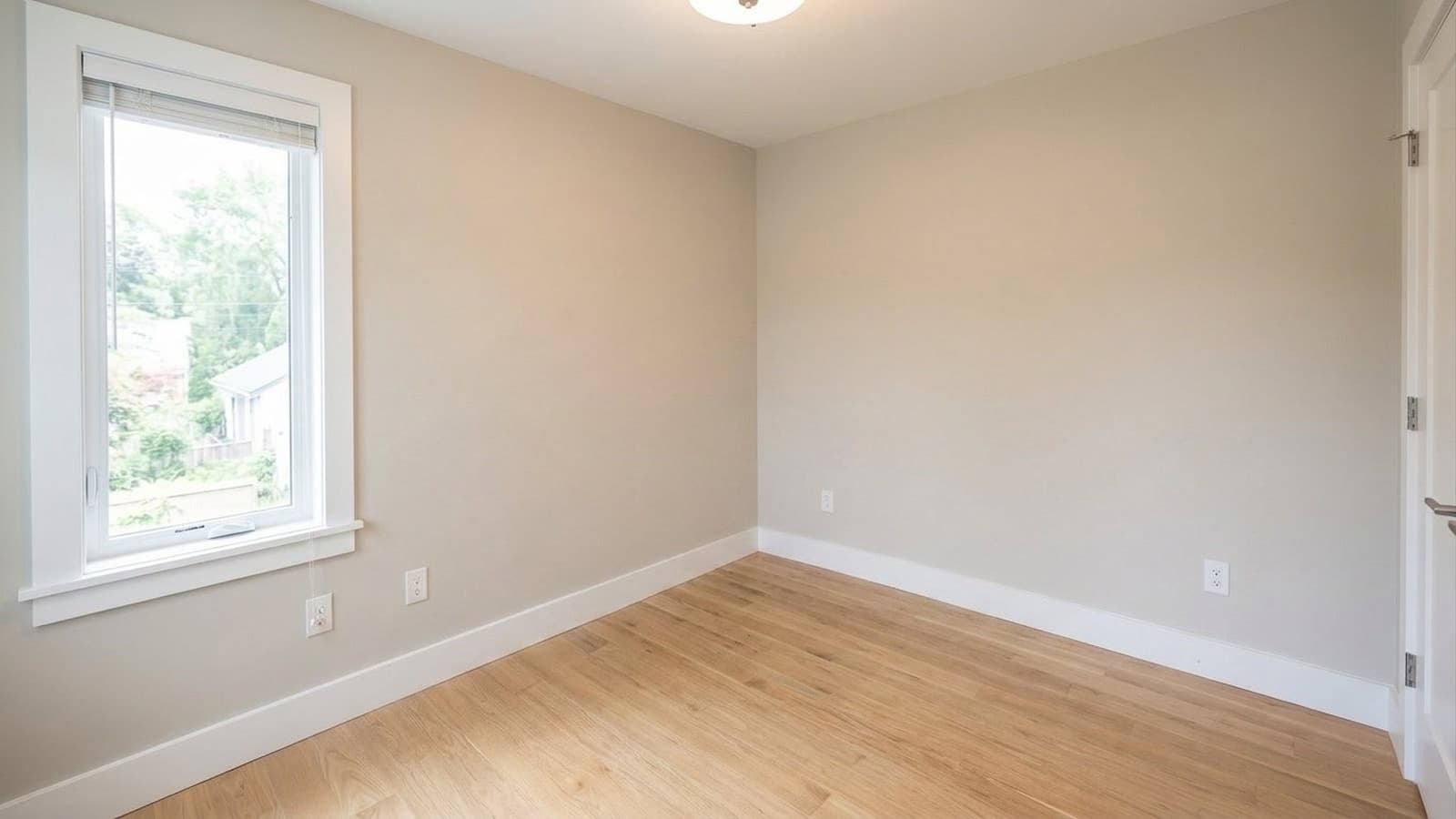
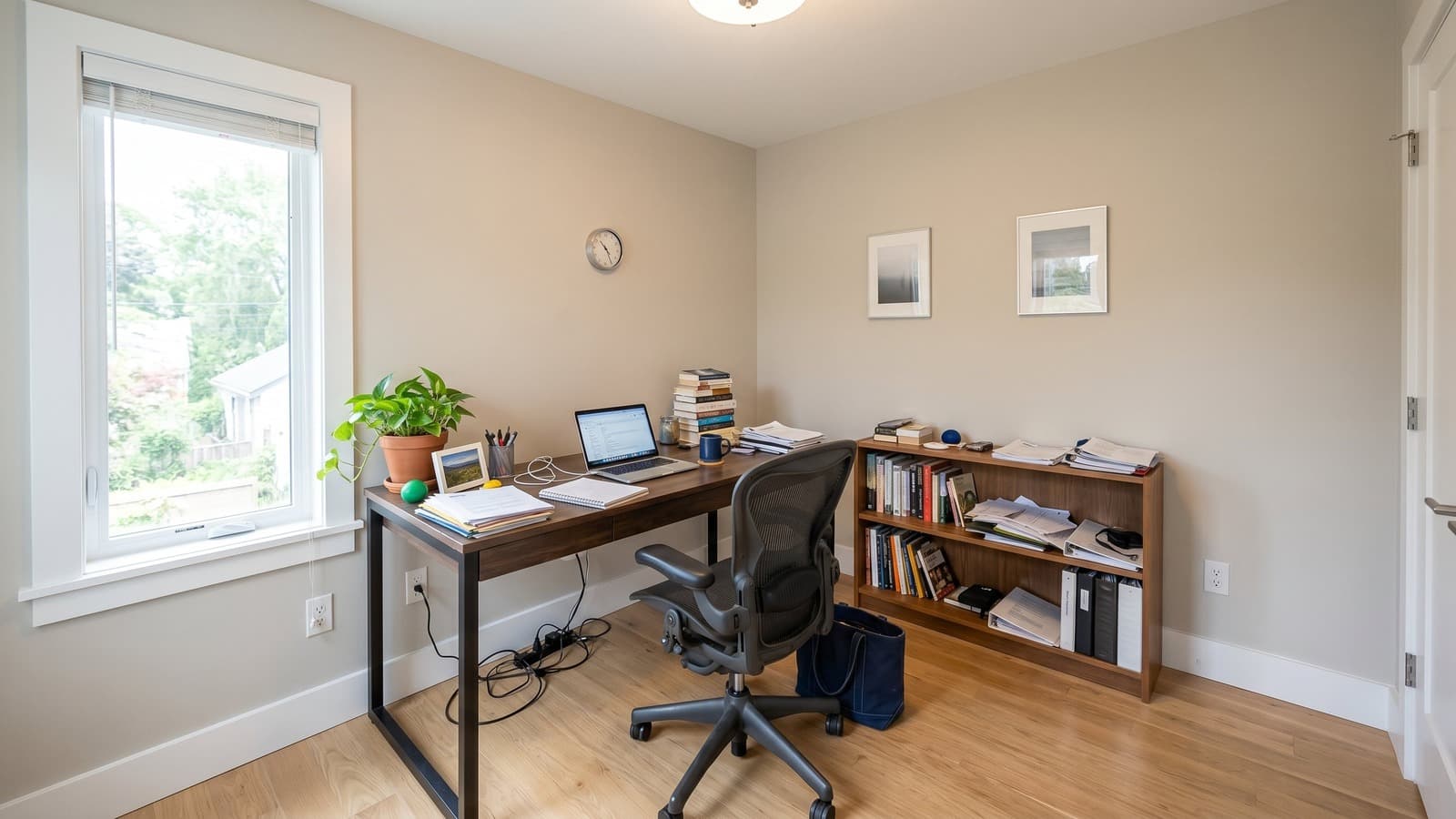
Office cleanup removes the desk, chair, shelving, electronics, papers, and work clutter so a flex room reads as clean empty space.
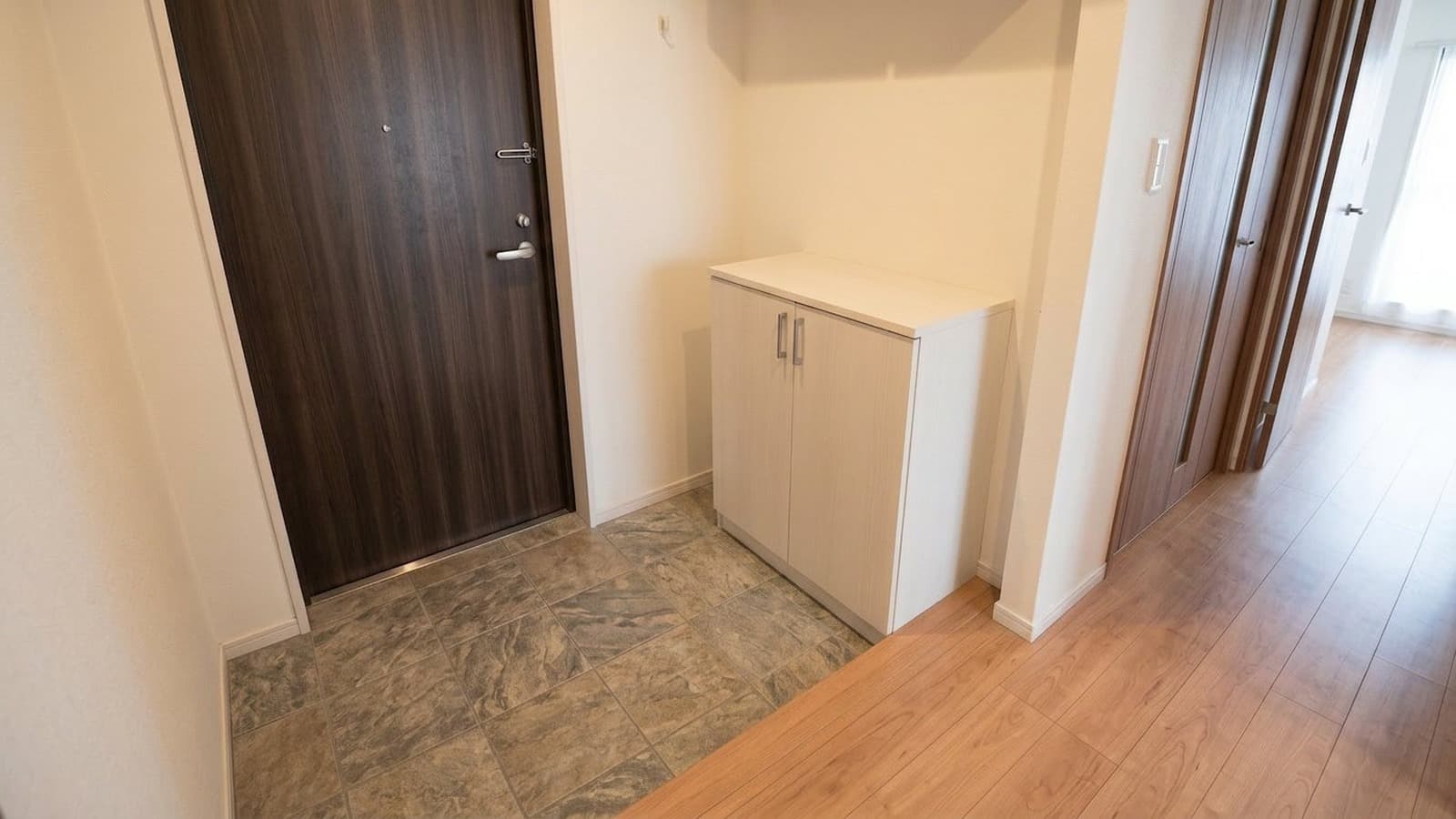
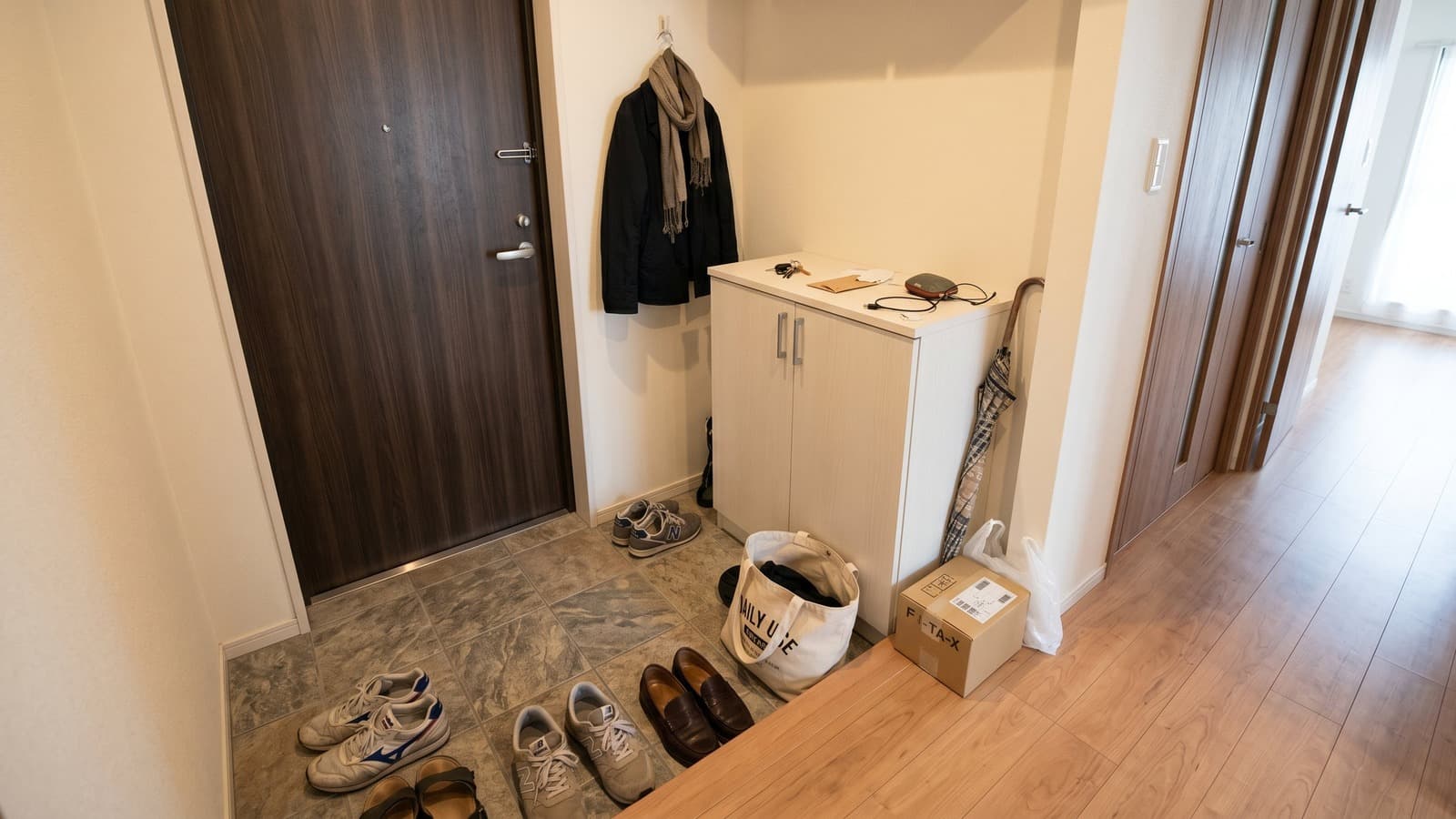 BeforeAfterDrag to compare
Entrance
Entrance cleanup clears shoes, umbrellas, bags, boxes, and coats from the genkan while preserving the threshold, storage, and front door.
Frequently Asked Questions About Virtual Staging Examples
What should I look for in virtual staging before and after examples?
Look for realistic furniture scale, accurate perspective, clear walkways, and staging that fits the room rather than overpowering it. In strong virtual staging before-and-after examples, permanent features such as windows, flooring, walls, cabinets, and built-ins should remain consistent between the original and staged images. The biggest changes should come from furniture, decor, lighting, and other removable styling elements.
Can virtual staging change walls, windows, or flooring?
For standard real estate listings, virtual staging should preserve fixed property features such as walls, windows, flooring, doors, cabinets, and built-ins. Furniture, decor, rugs, lighting, and other removable styling elements can change, but the underlying architecture should remain consistent between the before-and-after images.
Is virtually staged content allowed on the MLS?
Many MLS boards allow virtually staged photos when the images are clearly identified as digitally or virtually staged. Virtual Staging Art can add disclosure labels to exported images to help prepare them for listing use. Requirements vary by MLS board and region, so always check your local MLS media policy for specific disclosure or labeling requirements.
Can I compare the same room in different styles?
Yes. You can compare the same room across different interior styles to see how furniture, decor, color, and overall design direction change the look of the space. This makes it easier to compare options such as modern, luxury, Scandinavian, Japandi, minimalist, and traditional staging before choosing the best fit for the property.
What makes Virtual Staging Art examples different from other AI tools?
Virtual Staging Art examples are built to show realistic changes without making the property itself look different. Furniture, decor, lighting, and style can change, while fixed features such as walls, windows, flooring, cabinets, and built-ins remain consistent. You can also compare the same room across multiple interior styles, making it easier to judge scale, layout, and design choices before staging your own listing.
Virtual Staging Art also includes PropLens, its mobile real estate photography and staging app. Agents and photographers can capture property photos with on-screen guidance, remove clutter or furniture, virtually stage rooms in multiple styles, enhance photos, and export listing-ready images from the same mobile workflow. Projects also sync with the Virtual Staging Art desktop platform.
Do before-and-after virtual staging photos affect how a listing performs?
Yes. Staging helps, according to NAR's recent agent survey, roughly half of sellers' agents reported that staging reduced time on market, and the large majority said it made it easier for buyers to picture themselves in the home. Because virtual staging shows the same furnished, move-in-ready presentation as physical staging at a fraction of the cost, it's commonly used to get that same buyer-engagement benefit on vacant or hard-to-photograph rooms.
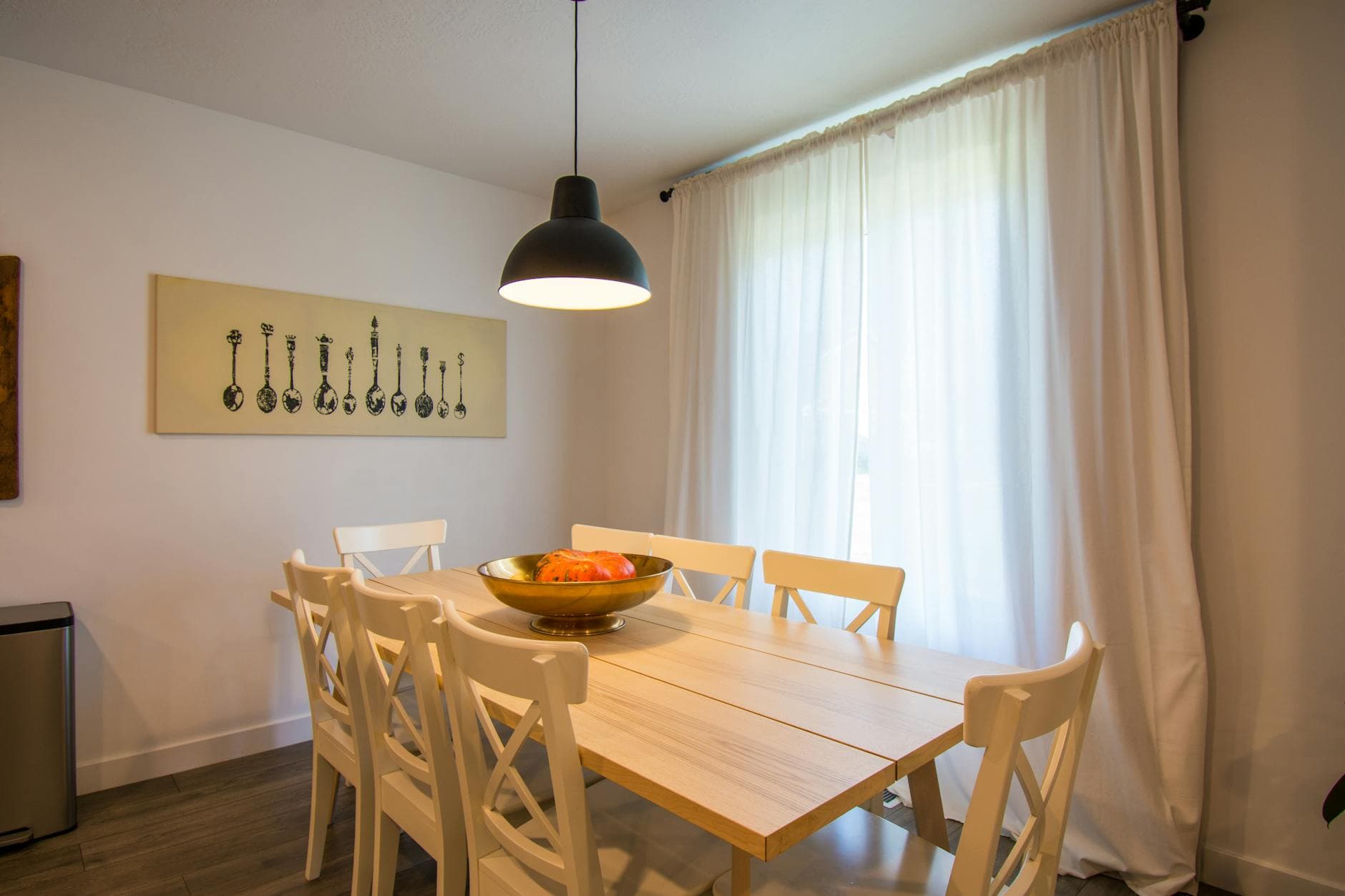
Turn your listing photo into the next example.
Upload a room photo, choose a style, compare versions, and download a listing-ready image with disclosure support. For a deeper walkthrough, read our guide to AI virtual staging
Stage A Free Photo